 GIX
GIXHow Disciplined Traders Prepare Orders and Software for Network Outages

- A server-side stop loss stays active on your broker matching engine even if your computer shuts down.
- Virtual private servers let automated software run continuously without relying on your home power or Wi-Fi.
- Client-side scripts and mental stop losses fail immediately when your network connection drops.
- Keeping your broker emergency phone desk contact ready ensures you can close positions during platform blackouts.
What happens to your open trades during a network outage?
Trading system redundancy is the intentional duplication of critical trading infrastructure, including internet connections, power supplies, and execution servers, so that secondary systems take over immediately if primary systems crash. When an outage occurs, an unprepared trader loses the ability to view charts or send exit commands while market prices keep moving.
When a domestic internet service drops or a cloud data center experiences a connectivity breakdown, communication between your local terminal and the broker halts. If you are holding an open position in gold or EUR/USD without orders stored directly on the broker server, your position floats completely exposed. The chart freezes, but the underlying interbank market never stops.
Traders who understand why most retail traders lose recognize that operational failures cause just as much damage as bad market analysis. Without a clear continuity plan, a simple neighborhood power cut can transform a controlled trade into a severe loss.
- Terminal screens freeze while quotes continue moving across the interbank market.
- Unprotected market orders float without active stop boundaries if stops were kept in local memory.
- Automated trailing scripts fail to fire adjustments across disconnected home lines.
Why must protective orders sit on the broker server?
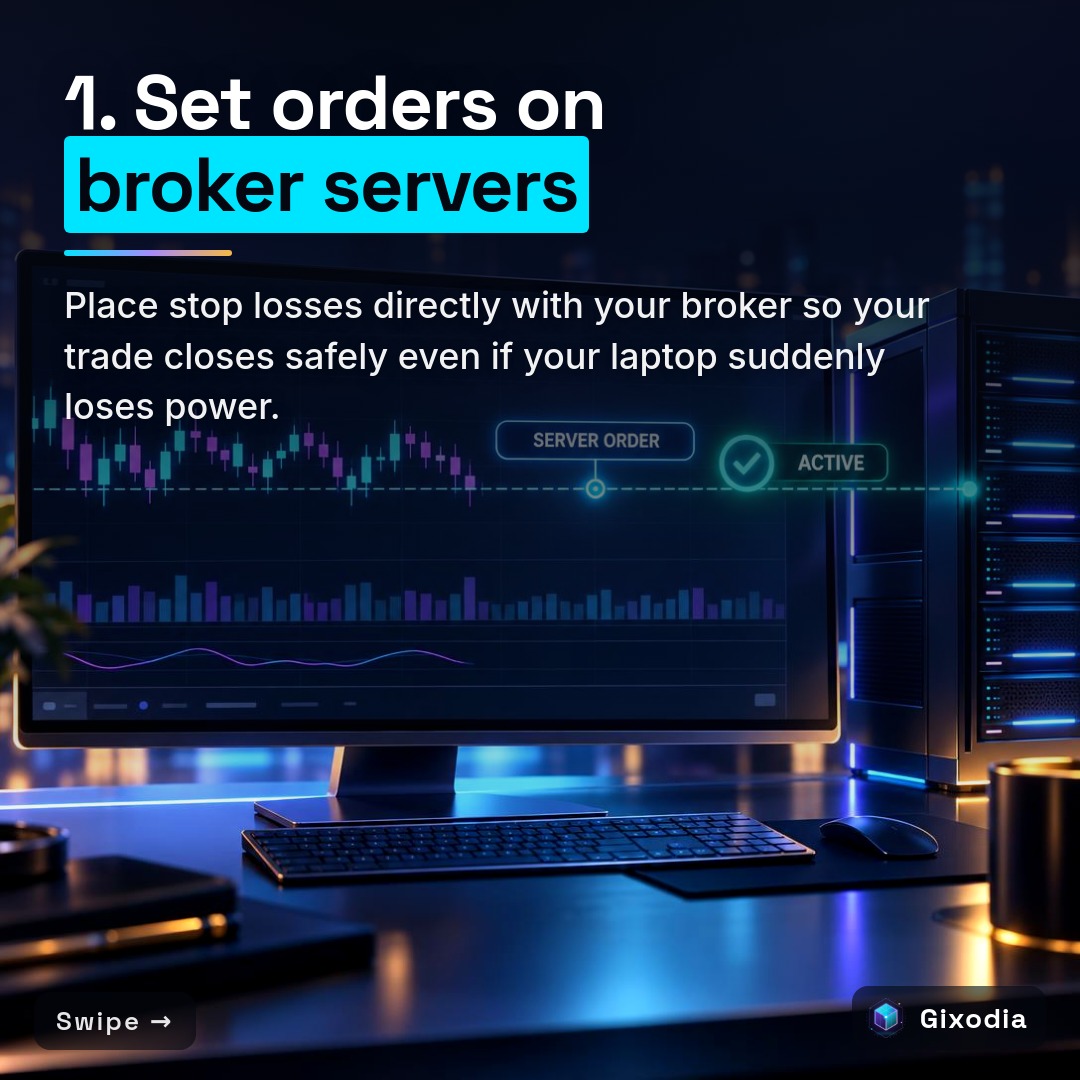
A protective order must sit directly on the broker server matching engine because local machine instructions cannot reach the market if your power or internet cuts out. Placing server-side stops ensures your trade closes automatically at your predefined level regardless of your local terminal status.
Many charting platforms and custom desktop scripts allow traders to define virtual stops or trailing stops that trigger an order only when a local condition is met. While this keeps stops hidden from local display, it introduces a dangerous single point of failure. If your laptop loses power, the script never sends the closing order.
Native bracket orders and hard stop loss orders reside on the broker server. Once received by the broker, they stay live in the order queue. Whether you trade manual setups or run automated software, understanding risk management mt4 ea pro means verifying that your defensive orders do not depend on an active home connection.
- Native bracket orders remain queued directly on the liquidity engine.
- Server orders execute immediately when the price hits the threshold without waiting for round-trip home signals.
- Platform crashes on your physical laptop have zero effect on server-hosted brackets.
How does virtual hosting protect automated trading software?
Virtual hosting protects automated software by running your platform inside an enterprise data center with redundant power and fiber connections, keeping execution independent from your home setup. This prevents local computer restarts, hardware glitches, and domestic Wi-Fi drops from interrupting active positions.
Running an Expert Advisor on a home desktop introduces obvious risks: operating system updates, loose cables, and home broadband lag can shut your platform down mid-trade. By deploying software to a dedicated Virtual Private Server (VPS) located close to your broker matching engine, your automated rules run uninterrupted.
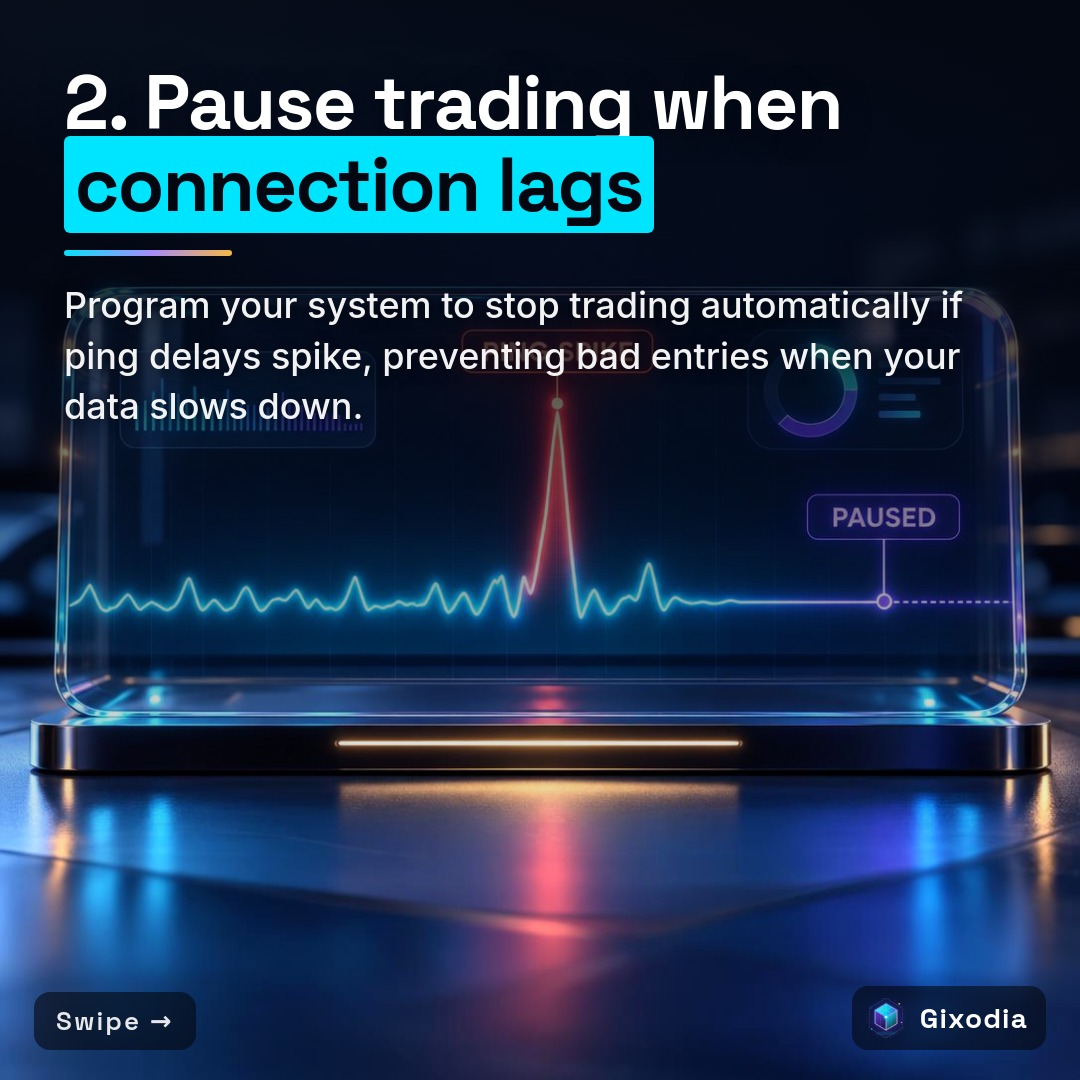
For example, Gixodia's trading software is an Expert Advisor designed for MetaTrader 5 that trades by predefined rules, the same way every time. Using hosted infrastructure or the bundle plan means the software executes reliably without requiring a personal computer left running all day. In addition, sound algorithmic architecture includes latency checks that pause new trade entries if data connection delays spike.
- Data center environments provide redundant power grids and multi-carrier internet lines.
- Hosting servers physically close to broker matching engines reduces transmission latency.
- Trading algorithms continue executing independently of home electrical power status.
| Feature | Server-Side Bracket Orders | Client-Side Local Scripts |
|---|---|---|
| Order Location | Stored directly on the broker or exchange matching engine | Stored in local software memory on your computer |
| Protection During Internet Loss | Remains live and triggers at your specified price | Fails completely because instructions cannot leave your PC |
| Execution Latency | Immediate execution directly at the broker server | Requires a round-trip network signal from your device |
| Power Outage Vulnerability | Zero impact when your local hardware loses power | The trade floats unprotected until power returns |
What independent mobile and hardware redundancy should you keep?
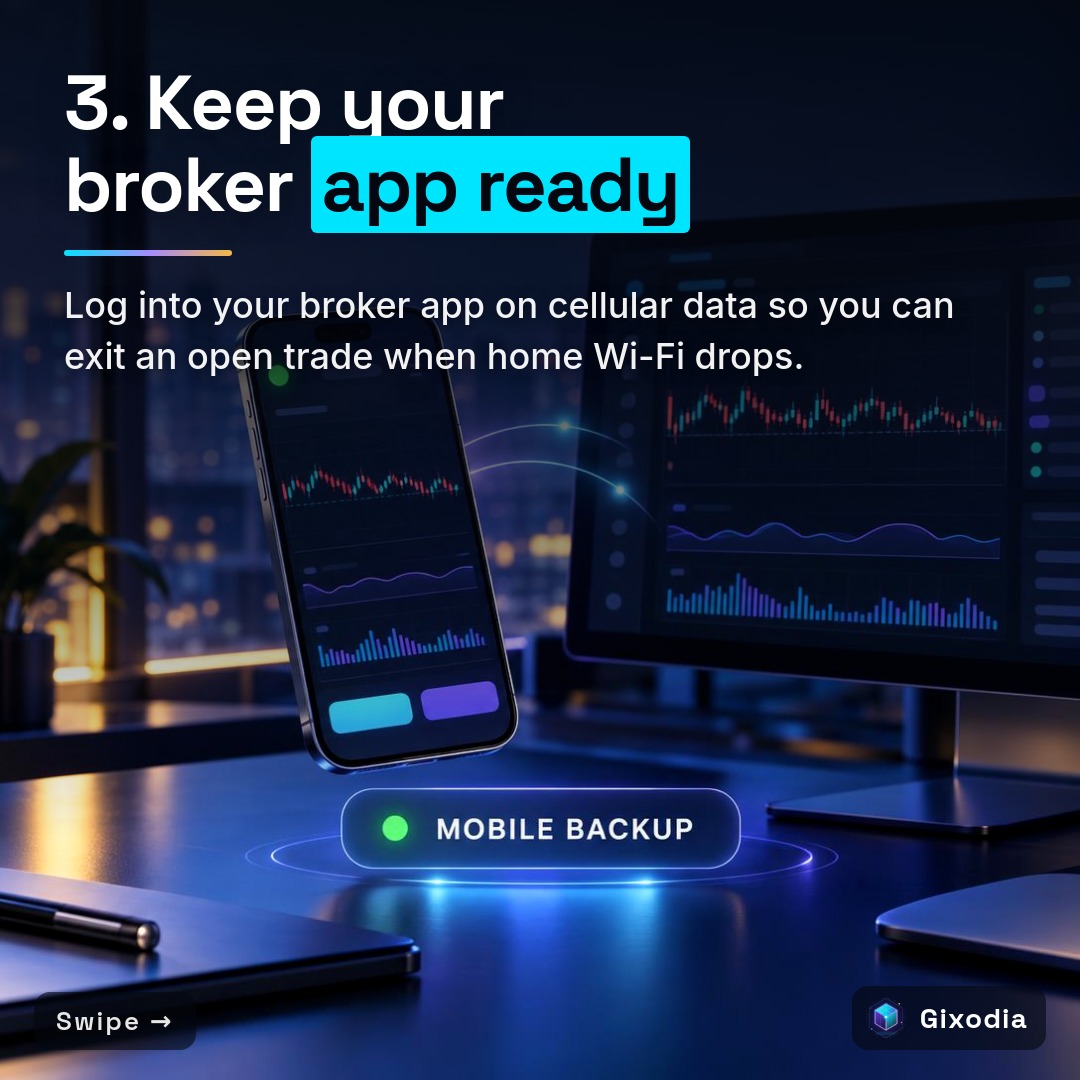
You should maintain an independent mobile backup by installing your broker mobile application on a smartphone connected to a cellular carrier completely separate from your home internet provider. Pair this with a battery backup for your primary workstation to maintain smooth control during outages.
A common mistake is having a secondary phone connected to the exact same home Wi-Fi network that just failed. If your fiber line goes down, both devices lose access simultaneously. Disciplined traders configure cellular mobile data and verify login credentials beforehand so they can switch devices in seconds.
At your desk, an Uninterruptible Power Supply (UPS) provides emergency battery runtime for your primary computer and network router. This battery reserve buys you the necessary minutes to inspect open trades, confirm stops, or switch to your mobile network without scrambling in the dark. Keeping emergency access ready is essential when exploring bot vs manual trading.
- Workstation battery units deliver immediate auxiliary current during utility power cuts.
- Independent cellular lines bypass residential broadband network failures.
- Pre-authenticated mobile broker apps allow emergency position liquidation within seconds.
How do institutional disaster recovery standards apply to retail traders?
Institutional disaster recovery standards require documented business continuity procedures, alternative communication paths, and regular operational drills to handle sudden technical disruptions. Retail traders can apply these exact principles by keeping written broker trade desk numbers and practicing outage responses.
Professional financial firms follow strict business continuity frameworks, such as FINRA Rule 4370, which mandate alternate communication lines and prompt access to funds during disruptions. Institutional desks never assume technology will work flawlessly; they build systems assuming components will break.
You can adopt this mindset on a personal level. Save your broker direct dealing desk telephone number and account verification details in an offline notebook and in your phone contacts. If both your home internet and local cell tower suffer an outage, a direct phone call to your broker dealing desk allows you to close open exposure verbally without logging into any screen.
- Maintain written copies of account clearing IDs and emergency dealing telephone numbers.
- Establish alternate trading venues and execution accounts to distribute counterparty risk.
- Conduct routine disconnect simulations to confirm backup hardware functions as expected.
How to do it, step by step
- Audit your single points of failure. Identify what breaks your execution loop by reviewing your local electricity supply, home internet router, computer hardware, and broker connection lines.
- Verify server-side order entry. Open your order ticket in MetaTrader 5 or your trading terminal and confirm that hard stop loss and take profit parameters attach directly to the trade ticket on the server rather than running as local script conditions.
- Configure a dedicated VPS. Deploy your trading platform to a virtual server located in a secure data center adjacent to your broker server to ensure continuous operation.
- Establish a cellular backup pathway. Install your broker mobile trading app on your phone, log in, and test order management using cellular mobile data with your home Wi-Fi switched off.
- Record emergency phone dealing contacts. Write down your broker emergency dealing desk phone number along with your account identification details on paper and in your phone contacts.
- Conduct a monthly disconnect drill. Unplug your home router during non-critical market hours while holding a micro test position to practice managing the trade via your backup mobile connection.
Checklist before you take the trade
- Check 1: Every open trade has a hard stop loss confirmed on the broker server.
- Check 2: Execution software runs on a dedicated VPS or hosted server environment.
- Check 3: The broker mobile app is installed and logged in on an active cellular device.
- Check 4: Secondary mobile data is provided by a carrier independent of your home internet.
- Check 5: Your broker direct emergency phone dealing desk number is saved offline on paper.
- Check 6: Workstation hardware and primary internet routers connect directly to a battery backup unit.
Common mistakes and how to fix them
✗ The mistake: Mistake 1: Relying on mental stops or local software scripts that require an active computer to trigger.
✓ The fix: Fix 1: Always place native stop loss orders directly onto the broker server when opening any position.
✗ The mistake: Mistake 2: Connecting your backup smartphone to the same home Wi-Fi network as your desktop computer.
✓ The fix: Fix 2: Disable Wi-Fi on your phone during trade management to ensure execution routes across an independent cellular network.
✗ The mistake: Mistake 3: Scrambling to find broker support telephone numbers only after an exchange or platform outage occurs.
✓ The fix: Fix 3: Store the dealing desk emergency phone line and your verification pin in an offline notebook before opening trades.
Frequently asked questions
Will my stop loss execute if my home computer loses power?
Yes, provided it is a native server-side stop loss order. Once submitted to the broker server, the stop order resides on their matching engine and will execute even if your local computer is completely turned off.
What is the difference between a client-side and server-side stop?
A client-side stop is held inside the memory of your local trading platform software and only sends an exit command when the price reaches your level. A server-side stop sits directly on the broker servers, keeping the order active even if your internet connection fails.
Why should I run trading software on a VPS instead of my desktop?
A Virtual Private Server runs in a professional data center with backup generators, enterprise-grade cooling, and multiple internet pathways. This keeps your software operating continuously without disruption from home power outages or household Wi-Fi drops.
What should I do if both my home Wi-Fi and mobile data fail?
Call your broker emergency phone dealing desk directly. Brokers provide telephone trade desks where authorized representatives can close open trades for you after you verify your account details and security phrase.
Want your trading to follow fixed rules, the same way every time? Gixodia's trading software for MetaTrader 5 trades by predefined rules on your own broker account, in your own name. Try it free for 10 days, a demo account is fine. Trading involves risk and you can lose money.
Sources
- Disaster Recovery Strategies for Trading Firms (devexperts.com)
- eztradingcomputers.net
- What Is a Disaster Recovery Plan? | IBM (ibm.com)