 GIX
The Myth of Set-and-Forget in Automated Trading and the Pilot Routine You Need Instead

- Software executes trades by predefined rules, but the trader remains responsible for environment health and risk limits.
- Staring at live candles triggers emotional interference, whereas checking server logs protects system stability.
- Pre-week preparation requires inspecting terminal connections and reviewing the high-impact economic calendar.
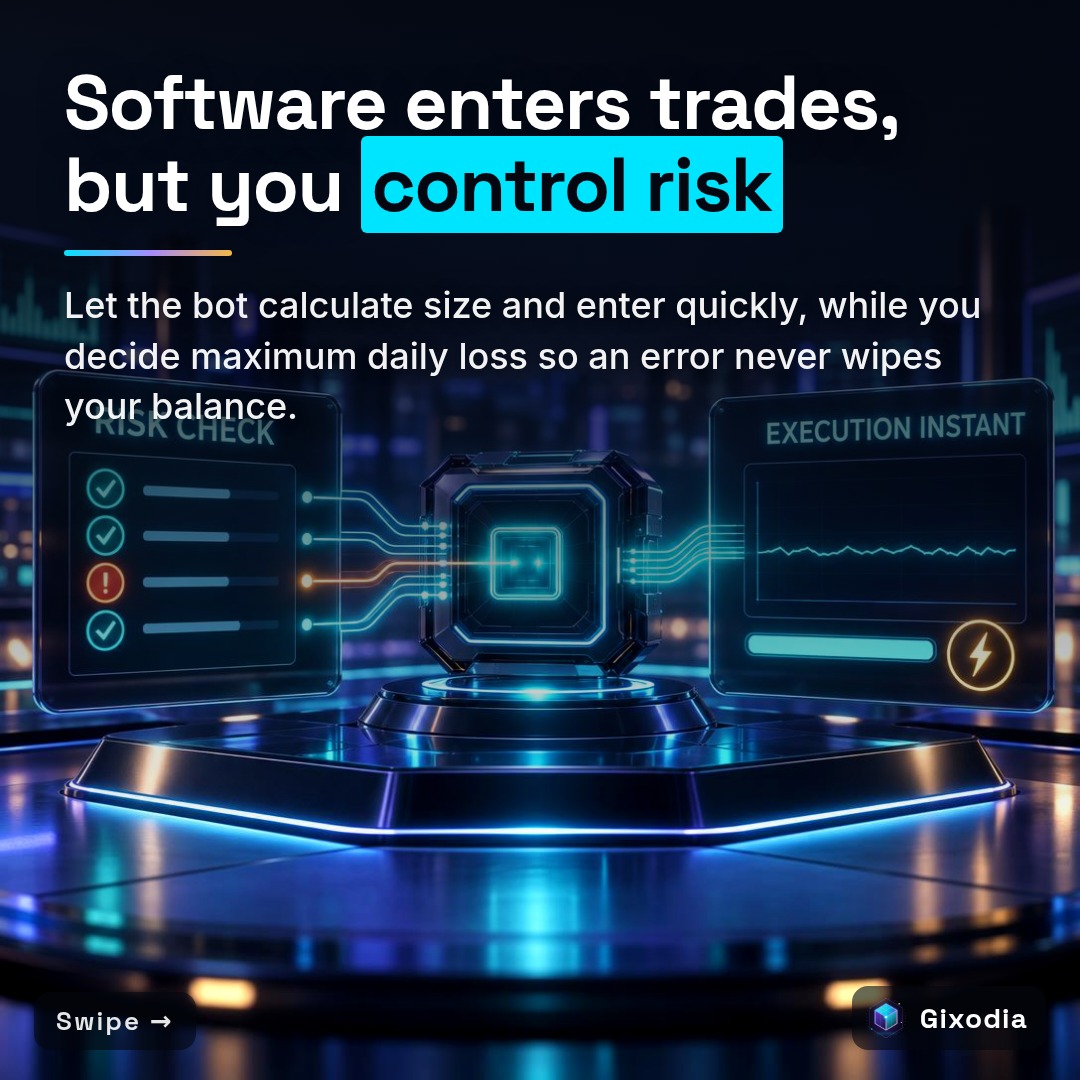
- Predefined daily loss limits safeguard accounts by cutting risk automatically before a bad market regime escalates.
- Logging weekly trades calmly on weekends prevents panic decisions during normal system drawdowns.
Why is set-and-forget trading a myth?
Set-and-forget trading is a myth because market infrastructure requires active operational supervision even when algorithmic code handles order execution. Financial markets experience shifting liquidity conditions, server disconnects, platform updates, and broker outages that require a human operator to verify system uptime and maintain hard safety limits.
Many beginners buy into the fantasy that what is algorithmic trading means turning on software, heading to the beach, and ignoring the account for six months. In reality, software operates inside an external environment managed by retail brokers, internet service providers, and remote hosting data centers. When an operating system forces an overnight restart or a broker changes margin terms, an unmonitored terminal stops placing or protecting orders.
Treating automation as an absolute absence of responsibility inevitably produces technical neglect. When retail traders leave systems completely unchecked, minor friction like an unrenewed server lease or a desynchronized chart template can escalate into substantial capital damage. Commercial airline pilots do not fly modern planes with their hands on the yoke the entire flight, but they never leave the cockpit unattended either.
- Home computers enter sleep mode or force operating system restarts that silently shut down terminals.
- Retail broker servers periodically change IP routing, causing connection drops if not monitored.
- Unsupervised software cannot identify that an external feed error is generating rejected broker orders.
How does an aircraft pilot mindset apply to automated trading?
An aircraft pilot mindset applies to automated trading by dividing duties between automated mechanical navigation and human operational governance. The software manages rapid trade execution according to strict rules, while the human operator monitors instrument gauges, checks technical flight conditions, and ensures predefined risk boundaries stay intact.
Modern commercial aircraft rely on autopilots to hold altitude, calculate fuel burn, and fly complex coordinates through rough weather. The flight crew does not spend seven hours wrestling the steering column, yet no passenger would board a plane where the pilots went to sleep in the cabin. The crew actively monitors fuel gauges, cross-checks weather radar, and confirms that flight control computers respond correctly.
In the trading world, bot vs manual trading reveals the same operational boundary. A trading bot handles tedious arithmetic, rapid lot sizing, and precise trade placement without hesitation or fatigue. The human trader acts as the pilot in command, ensuring the execution terminal is healthy, verifying that spreads remain within operational boundaries, and letting predefined parameters handle market turbulence.
- The bot handles the mechanical execution: order entry, stop calculation, and rule-based exits.
- The pilot manages system readiness: terminal connectivity, VPS uptime, and platform logs.
- The pilot enforces account safety: daily loss parameters and risk limits before takeoff.



What does a pre-week preparation routine look like?
A pre-week preparation routine requires verifying terminal uptime on Sunday afternoon, inspecting server connectivity, checking the weekly economic calendar, and confirming that predefined account loss boundaries remain active. This ensures the trading environment is stable before the market opens for Monday trade execution.
Before the market opens on Sunday evening, the pilot conducts a walk-around inspection. Start by logging into your remote server hosting your MetaTrader 5 terminal. Check that the platform status icon in the bottom right corner shows active data transfer rather than a red disconnected status. A dropped connection discovered on Sunday takes five minutes to resolve; a dropped connection discovered on Tuesday afternoon means missed trades or stranded positions.
Next, inspect the economic calendar for scheduled central bank announcements, inflation data, and employment releases. For example, if you trade EUR/USD or gold, you need to know when rate decisions or US payroll data drop. You do not need to forecast the outcome of these events. You simply need to verify that your broker risk settings and lot sizes match your personal sleep test, ensuring your account can absorb market volatility without exceeding your risk tolerance.
- Confirm MetaTrader 5 shows active server ping and valid synchronization with your broker account.
- Scan the weekly calendar for high-impact releases involving the euro and the US dollar.
- Ensure your account equity and hard stop limits are aligned with your overall capital plan.
| Operational Area | Set-and-Forget Approach | Disciplined Pilot Routine |
|---|---|---|
| Server and Connection | Terminal left uninspected on a home laptop that goes to sleep | Dedicated VPS connection and terminal logs verified before market open |
| Economic Calendar | High-impact news ignored until wild volatility triggers stopouts | Major central bank and inflation dates reviewed every weekend |
| Intraday Monitoring | Trader panics over open ticks and closes active trades manually | Terminal inspected twice daily for software health without watching charts |
| Risk Protection | Assumes software magically survives every adverse market run | Enforces predefined daily loss limits that scale down and halt trading |
| Performance Review | Emotional reactions to single losses lead to abrupt strategy switching | Calm weekly trade logging on weekends when markets are closed |
How should you monitor bot health during the trading week?
You should monitor bot health during the trading week by performing quick terminal inspections twice daily to check platform logs and execution messages, while intentionally avoiding live price candles. This verifies that your software functions properly without triggering the emotional urge to manually override valid trades.
The biggest psychological hurdle in psychology automated trading is staring at live five-minute price bars. When a trader sits and watches unrealized profit and loss fluctuate tick by tick, fear and greed take over. You will feel tempted to close a winning position too early or cancel a stop loss on a pullback, overriding the mechanical edge your system was designed to execute.
Instead, your mid-week routine should take less than three minutes, twice a day. Open your terminal and look directly at the Experts and Journal tabs at the bottom of MetaTrader 5. Look for clean execution messages rather than warning alerts, error codes, or repeated trade context busy signals. If trades are opening and closing according to fixed logic, close the screen and walk away. Gixodia builds algorithmic software for MetaTrader 5 that trades by predefined rules the same way every time; interfering on a whim destroys that statistical discipline.
- Inspect the Journal tab for broker execution errors, requotes, or platform disconnects.
- Verify the software continues running without frozen background threads or memory leaks.
- Close the terminal interface promptly to avoid the emotional temptation of manual trade intervention.
What belongs in a calm weekend account review?
A calm weekend account review involves exporting your weekly trade history, logging total profit and loss against your risk plan, evaluating broker slippage, and verifying system logs. This analytical review occurs when markets are closed, removing emotional pressure from your performance assessment.
Trading decisions made during live market action are frequently distorted by adrenaline. The weekend is when professional operators analyze outcomes objectively. Once trading closes on Friday evening, export your statement from MetaTrader 5 and document the completed trades in your personal journal. Compare your realized drawdown against your system expectations to verify that performance remains within historical parameters.
This review also lets you assess your broker infrastructure. Check whether the fills you received on EUR/USD or gold aligned with standard prices, or if excessive slippage occurred during market entries. Gixodia's trading software executes fixed rules free of hesitation, fatigue, and emotion, but reviewing the execution data over hundreds of trades helps you spot if your broker is delivering substandard fills. If technical errors appeared during the week, the quiet weekend gives you ample time to troubleshoot before the next market open.
- Export weekly closed trades into a personal log to evaluate net performance calmly.
- Review execution prices to confirm order fills aligned with normal market spreads.
- Confirm that balance boundaries and daily loss protections remained fully respected.
How do predefined loss limits protect the pilot routine?
Predefined loss limits protect the pilot routine by establishing hard programmatic boundaries that halt trading when accumulated losses hit a specific cap. This prevents a string of difficult market conditions from depleting your balance, removing the need for emotional manual panic decisions.
No trading strategy wins on every cycle, and experiencing drawdowns is an inevitable reality of market engagement. The pilot routine relies on mechanical stopguards rather than human willpower under pressure. When an adverse run occurs, predefined parameters in your system scale down exposure automatically as boundaries approach, and completely pause trading when the threshold is hit.
This automated circuit breaker ensures that a single hostile session cannot compromise your overall capital base. By handing the enforcement of hard daily limits to the software, you eliminate revenge trading, impulsive lot size increases, and hesitant order management, preserving your account so you can continue executing your plan during favorable conditions.
- Enforce fixed maximum loss thresholds directly inside the platform parameters.
- Allow software to step down position volume automatically as risk limits near.
- Step away once limits are reached to let cooling periods prevent revenge trading.
How to do it, step by step
- Verify Sunday Connection. Log into your virtual private server on Sunday afternoon and check that MetaTrader 5 displays green connection bars with an active millisecond ping.
- Audit the Economic Schedule. Review economic calendar sites for upcoming interest rate decisions, employment figures, and inflation releases affecting EUR/USD or gold.
- Inspect Terminal Logs Twice Daily. Open the MetaTrader 5 terminal window during the week and check the Journal and Experts tabs for execution alerts without opening live price charts.
- Step Back During Drawdowns. Leave active positions to predefined software logic and resist manually closing open orders during ordinary intraday market swings.
- Export Weekly Metrics. Generate a detailed statement in MetaTrader 5 every Friday evening after market close to record total trades, realized loss, and slippage in your journal.
Checklist before you take the trade
- MetaTrader 5 terminal is online with an active data connection before market open
- Scheduled high-impact economic news releases are mapped for the upcoming week
- Predefined daily loss limits and maximum risk boundaries are active in software settings
- Terminal logs are checked twice daily for software warnings without staring at candles
- Manual order overrides are strictly avoided during normal floating drawdowns
- Weekly closed trades are recorded in an account journal during weekend market halts
Common mistakes and how to fix them
✗ The mistake: Leaving a bot completely unattended on a home computer for weeks
✓ The fix: Run the software on a dedicated virtual private server and check connectivity every Sunday before markets open.
✗ The mistake: Staring at open trade candles and manually closing positions in a panic
✓ The fix: Monitor only the Journal and Experts tabs for error messages, keeping price chart windows minimized during the day.
✗ The mistake: Trading without an automated hard daily loss limit
✓ The fix: Configure predefined system parameters that scale down position sizing and pause execution when your limit is reached.
Frequently asked questions
What is the difference between automated trading and set-and-forget trading?
Automated trading uses software to execute trade entries and exits based on predefined rules, eliminating fatigue and manual calculation errors. Set-and-forget trading is the erroneous belief that software requires zero human oversight, ignoring necessary server maintenance, calendar awareness, and operational risk limits.
How often should I check my automated trading system?
Check your system twice daily for two to three minutes at a time. Focus entirely on terminal connectivity and execution logs to confirm the platform is functioning correctly, avoiding live price charts to prevent emotional interference.
Why is it harmful to watch price candles while a trading bot runs?
Watching live price candles triggers fear and greed as floating profits and losses fluctuate tick by tick. This emotional stress frequently causes traders to manually override predefined exit rules, disrupting the statistical consistency of the automated system.
What should I do if my bot reaches its daily loss limit?
Let the software pause trading as designed by its predefined rules. Do not intervene manually to force recovery trades, and conduct an objective review of the session during the weekend once markets close.
Want your trading to follow fixed rules, the same way every time? Gixodia's trading software for MetaTrader 5 trades by predefined rules on your own broker account, in your own name. Try it free for 72 hours, a demo account is fine, then $499/year. Trading involves risk and you can lose money.