 GIX
The Daily Chart Check Habit: How to Avoid Live Screen Interference and Trade by Rules
- A bracket order automatically links a stop-loss and a take-profit to an entry on the broker server, eliminating the need to watch live candles.
- Live screen monitoring generates emotional friction that tempts traders to close winning positions prematurely or move stop losses during normal pullbacks.
- Limiting chart contact to two short daily touchpoints preserves statistical edge by removing impulsive human intervention.
- Stop orders convert to market orders when activated, meaning unmonitored bracket setups still require safety buffers against macro slippage.
What is live screen interference in trading?
Live screen interference is the destructive habit of manually altering open positions, such as cutting winners prematurely or canceling protective stops, due to emotional stress caused by watching minute-by-minute price fluctuations.
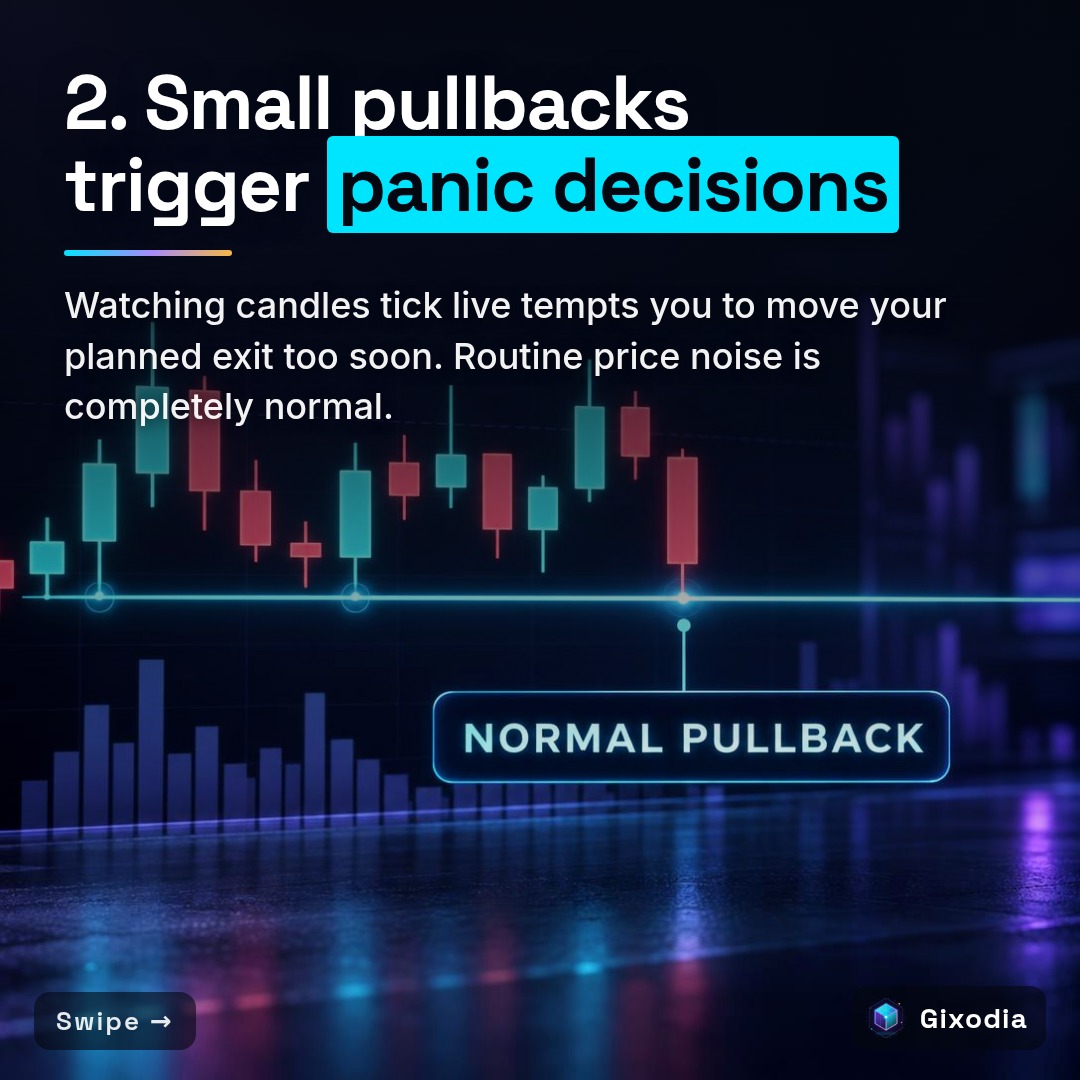
When you sit in front of a chart watching an open position tick back and forth, every counter-candle looks like a major market reversal. A trader places an order with clear rules, but then stares at the screen every fifteen minutes. Before long, ordinary market noise triggers panic. You see a temporary retracement on a five-minute chart and convince yourself to close the trade for a fraction of your planned reward, or worse, you drag your stop loss further away to delay taking a loss.
This behavior destroys whatever mathematical edge your strategy holds. In professional environments, execution rules exist precisely to remove these impulsive urges. Staring at active quotes does not change where price travels, but it consistently degrades personal discipline. Understanding why most retail traders lose often comes down to this exact tendency to over-manage trades during live session hours.
- Micro-managing ticks creates cognitive fatigue and phantom reversal signals.
- Cutting winning positions too early destroys your long-term risk-to-reward ratio.
- Changing orders mid-trade turns a systematic approach into emotional gambling.
How do bracket orders enable set-and-forget execution?
A bracket order is an automated order structure that attaches both a predefined stop-loss order and a take-profit limit order to an initial market entry directly on the broker execution server.
When an entry order fills, the broker system instantly hosts two opposing exit orders. This structure relies on One-Cancels-the-Other logic. When the market touches your take-profit target, the profit is locked in and the broker server cancels the protective stop-loss leg automatically. Conversely, if price moves against the trade and triggers your stop-loss, the take-profit order is immediately wiped from the queue, preventing any accidental secondary positions from opening later [cite: 3, 5].
Because these bracket instructions live directly on the broker server in modern platforms like MetaTrader 5, the trade will manage itself even if you turn off your computer or close your mobile app. However, as regulatory guidance from FINRA notes, while a limit order fills at your price or better if filled, a stop order becomes a market order once triggered [cite: 3]. In fast markets, execution may encounter spread and slippage, so stops must be placed around structural levels rather than arbitrary figures.
- Server-side storage ensures bracket orders work even when your terminal is shut.
- One-Cancels-the-Other mechanics remove orphan orders once an exit triggers.
- Pre-set orders force you to define risk and reward before entering the market.
What does the morning session check involve?
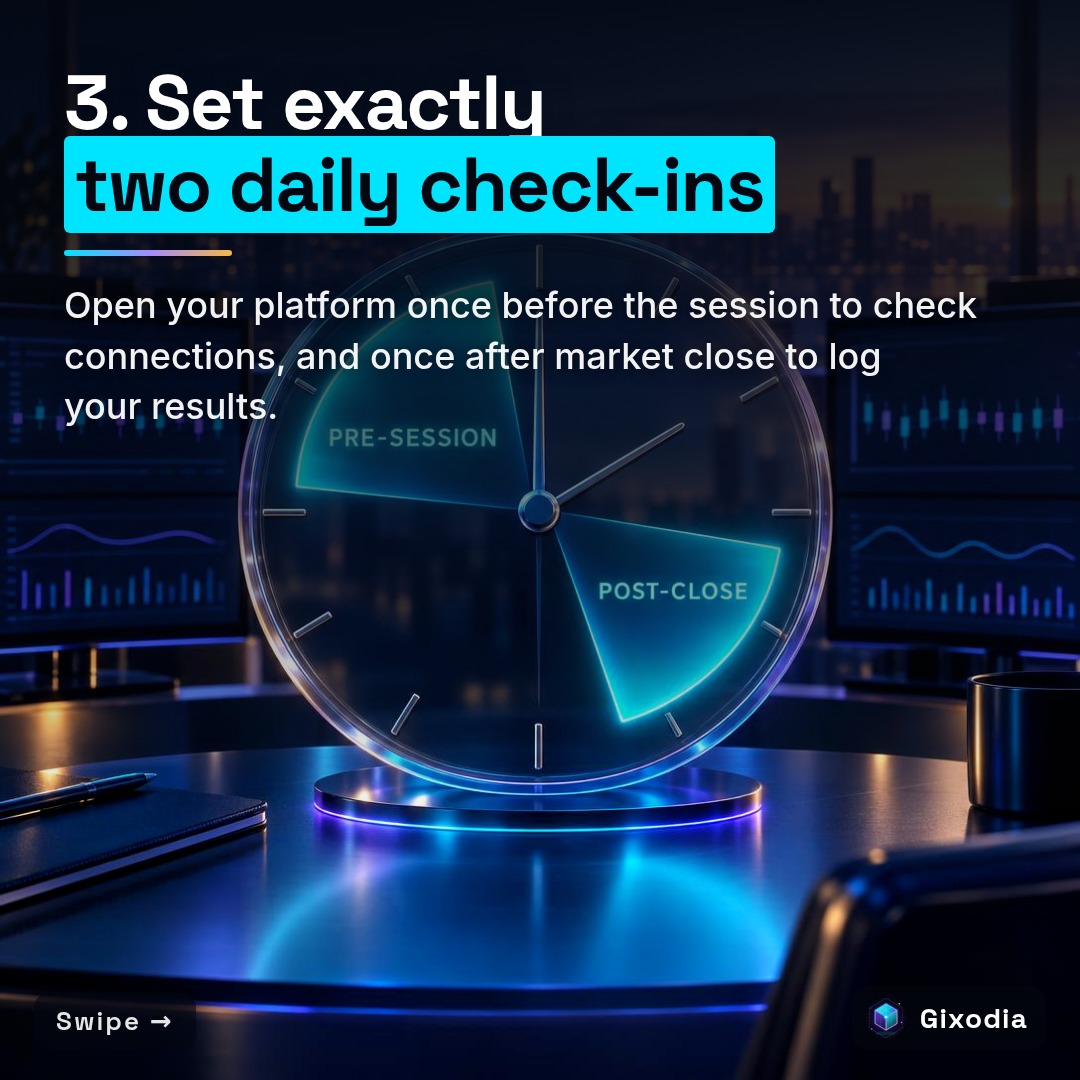
The morning session check is a five-minute technical audit conducted before market hours to confirm platform server connectivity, verify bracket orders, and close the terminal window before live trading begins.
Your morning check is not the time to look for spontaneous trading setups or react to social media commentary. Instead, open MetaTrader 5 once before the major session open. Check your network ping to ensure a clean connection to your broker server. If you run manual setups, verify that your entry orders hold valid stop-loss and take-profit parameters. If you rely on algorithmic trading tools, confirm that automated software is active and your predefined parameters are loaded properly.
Once you confirm that the broker connection is solid and execution rules are in place, your morning task is finished. The most critical step follows immediately: close the chart screen. By shutting the application before price starts moving rapidly in EUR/USD or gold, you remove the urge to tinker with positions before they have a chance to play out naturally.
- Check the terminal connection icon in MetaTrader 5 for green status bars.
- Verify that every open or pending order has an attached stop-loss and target.
- Shut the platform immediately to avoid watching opening volatility.
| Feature | Active Screen Monitoring | Two-Check Daily Habit |
|---|---|---|
| Daily Platform Exposure | Constant screen time during active market hours | Two short checks lasting five to ten minutes each |
| Reaction to Normal Pullbacks | Traders panic, cut winners early, or widen stops | Market noise plays out against server-side bracket orders |
| Execution Reliability | Vulnerable to emotional second-guessing and fatigue | Rules execute strictly as planned on the broker server |
| Trade Record Quality | Haphazard journaling distorted by emotional decisions | Objective end-of-day logging based purely on system rules |
Why is the evening review check critical for trade discipline?
The evening review check provides an objective post-market audit where you record completed trade executions in your journal without judging routine market pullbacks or interfering with active rules.
After the daily session ends, return to the platform for a calm assessment. Because the market has closed or liquidity has tapered off into the evening rollover, price movement is no longer pushing your emotional buttons. You can inspect closed positions objectively. Did your stop-loss trigger cleanly? Did the trade hit the full profit target? Did normal spread expansion affect the outcome?
Log these numbers into your trading journal without emotional commentary. If a trade ended in a loss, you accept it as the normal cost of doing business within your rules. If you run algorithmic trading software, this evening window lets you confirm that execution matched your pre-planned risk settings without having to stare at fluctuating charts throughout the afternoon.
- Review realized profit, loss, and commission costs away from live noise.
- Note whether fills experienced negative slippage during high-speed moves.
- Close the terminal until the next morning audit without tweaking settings.
How does rule-based automation remove screen babysitting?
Rule-based automation replaces human discretion with programmed logic that executes entries, manages stop levels, and exits positions on your own account strictly according to predefined instructions.
Retail traders often suffer from screen addiction because they feel responsible for every single pip of price movement. This psychological pressure triggers impulsive trade alterations. In contrast, algorithmic systems operate on clear code. Gixodia builds algorithmic trading software for MetaTrader 5 that trades by predefined rules, the same way every time, free of hesitation, fatigue, and emotion. The software runs directly on your own broker account where you retain complete custody of your funds.
Automation enforces the two-check philosophy naturally. Because the software handles execution details across markets like EUR/USD or gold without second-guessing its strategy, you no longer need to spend four hours watching a candle form. Understanding the psychology of automated trading means accepting that consistent rules almost always outperform nervous human intervention in live market conditions.
- Predefined rules prevent fear and greed from tampering with stop levels.
- Algorithmic execution manages orders systematically during active sessions.
- Frees the trader from constant screen fatigue and reactive decisions.
How to do it, step by step
- Map your technical levels. Before placing a trade on EUR/USD or gold, analyze higher-timeframe support and resistance on your charts. Determine the exact price level where your trade idea is invalidated.
- Calculate proper position size. Measure the distance in pips or points between your proposed entry price and the invalidation point. Size the position so you never risk more than your standard percentage limit if the stop gets hit.
- Submit bracket orders on MetaTrader 5. Open your order ticket in MetaTrader 5. Select your pending order type or market entry, and input both the Stop Loss and Take Profit levels directly into the ticket before confirming the trade.
- Conduct the morning connectivity check. Open your platform once prior to the session open. Confirm that your broker ping is active, your bracket orders show on the server terminal, and predefined risk settings are correctly loaded.
- Shut down the charting interface. Close your desktop platform and silence mobile trading alerts. Step completely away from the screens during active session hours to eliminate the temptation to meddle.
- Complete the evening journal audit. Log back into your platform only after the trading session closes. Record the final outcomes in your trade journal, check for execution slippage, and close the terminal until the next session.
Checklist before you take the trade
- Are your entry, stop-loss, and take-profit levels determined before touching the terminal?
- Did you enter both protective exits inside a linked bracket order on MetaTrader 5?
- Have you confirmed that your stop loss sits beyond structural support or resistance rather than an arbitrary pip count?
- Is your MetaTrader 5 broker connection established with a stable latency reading?
- Have you closed your desktop charting terminal and muted live push alerts on your phone?
- Are you waiting until the post-market evening window before logging trade statistics?
Common mistakes and how to fix them
✗ The mistake: Watching five-minute candles form after entering a swing position.
✓ The fix: Close the chart screen immediately after placing your bracket order and commit to checking only during scheduled audits.
✗ The mistake: Dragging a stop loss wider during an intraday pullback to avoid taking a loss.
✓ The fix: Apply a strict one-way stop rule where stop-loss orders can only be trailed closer to lock profit, never moved further away.
✗ The mistake: Using independent exit orders on platforms without interconnected OCO bracket capability.
✓ The fix: Always attach hard Stop Loss and Take Profit parameters directly inside the MetaTrader 5 order ticket so triggering one leg removes the other.
✗ The mistake: Leaving unmonitored bracket orders active straight through volatile high-impact news releases.
✓ The fix: Buffer your stop levels against wide bid-ask spread expansion or pause active execution around known macro announcements.
Frequently asked questions
Can I lose more than my stop loss price with set and forget trading?
Yes. A stop-loss order converts into a market order once price reaches the trigger level. In fast-moving markets or sudden liquidity voids, the order fills at the next available price, which can cause slippage beyond your intended stop level.
Is the daily two-check habit suitable for day trading or only swing trading?
It works for both approaches. While swing traders use it across multi-day holding periods, intraday traders use bracket orders to automate their exits and prevent impulsive mid-session overtrading.
Do bracket orders execute if my computer is powered off?
Yes. When placed via MetaTrader 5 as attached Stop Loss and Take Profit fields, the instructions reside on your broker server. They will execute at the designated levels regardless of whether your terminal is running.
Why is watching live candles so harmful to trade execution?
Live price charts display continuous minor fluctuations that trigger human fear and greed. Staring at these normal retracements tempts traders to close winning setups too early or move stops out of panic.
Want your trading to follow fixed rules, the same way every time? Gixodia's trading software for MetaTrader 5 trades by predefined rules on your own broker account, in your own name. Try it free for 72 hours, a demo account is fine, then $499/year. Trading involves risk and you can lose money.
Sources
- Why ‘Set and Forget’ Trading Works (And When It Doesn’t) (fxify.com)
- Set and Forget Trading Strategies - 2nd Skies Trading (2ndskiestrading.com)
- Order Types (finra.org)
- Order brackets — TradingView (tradingview.com)