 GIX
How to Protect Your Trades When Broker Apps Freeze

- Market price matching continues on institutional venues even when your retail phone screen or desktop app freezes completely.
- A server-side stop loss stays alive on your broker matching engine and triggers without an active internet connection on your device.
- Local trailing stops and device-based script alerts fail to trigger whenever your computer terminal crashes or loses web access.
- Regulated brokers maintain an emergency telephone dealing desk specifically designed to close open tickets during critical platform blackouts.
What happens when your broker app freezes?
When a broker app freezes, your graphical interface stops updating, but the underlying interbank market continues trading and matching live orders uninterrupted. Your account remains exposed to ongoing market volatility, meaning open orders continue to experience price changes even if you cannot log in to see them.
Retail trading applications serve merely as windows into your broker routing engine. When the front end mobile app or desktop dashboard stalls during sudden price spikes, the actual financial market does not pause. Buyers and sellers across major financial centers continue exchanging contracts, which means your open positions can run into deep drawdowns while you stare at a frozen loading circle.
Traders who do not understand this separation often assume that technical freezes halt their financial risk. In reality, platform freezes frequently happen during the heaviest volume periods, such as central bank interest rate decisions or emergency financial announcements, where institutional liquidity drives massive swings across currency pairs like EUR/USD and physical assets like gold.
Understanding how an exchange or dealer operates behind your screen makes it obvious that you cannot rely on visual confirmation to manage active market risk. You can read more about standard execution mechanics in our detailed breakdown of how forex markets work.
Why do server side stop loss orders protect frozen accounts?
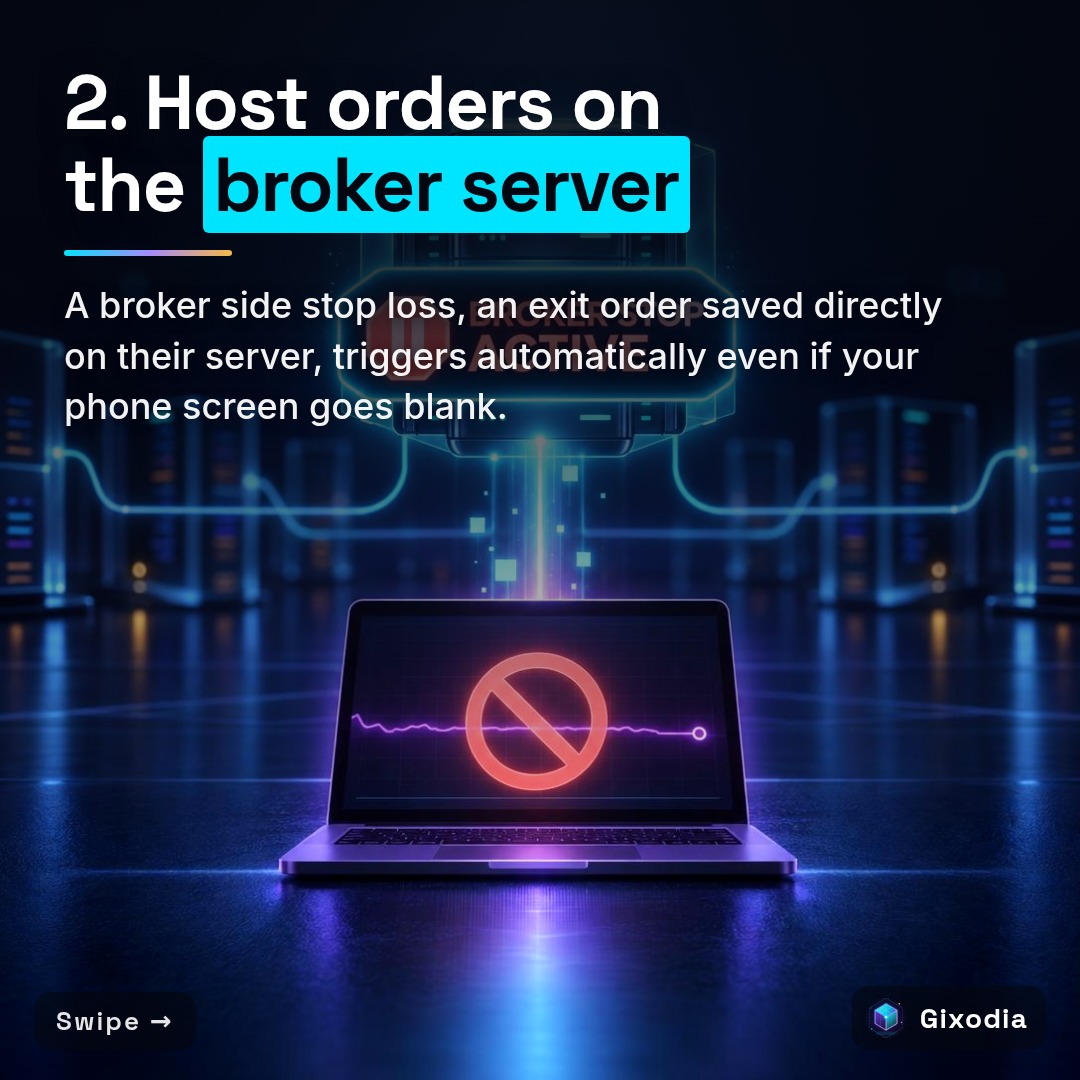
Server-side stop loss orders protect frozen accounts because they are transmitted to and stored on the broker trade server immediately upon entry. Once accepted by the server, the order does not need any connection to your local device, executing automatically whenever the market touches your predefined price.
When you place a stop loss directly into an order ticket in MetaTrader 5, that instruction leaves your laptop or mobile phone and registers permanently on the broker matching infrastructure. If your broadband provider suffers a cable cut, your operating system freezes, or the broker front-end login portal goes dark, that order remains valid and waiting in the broker database.
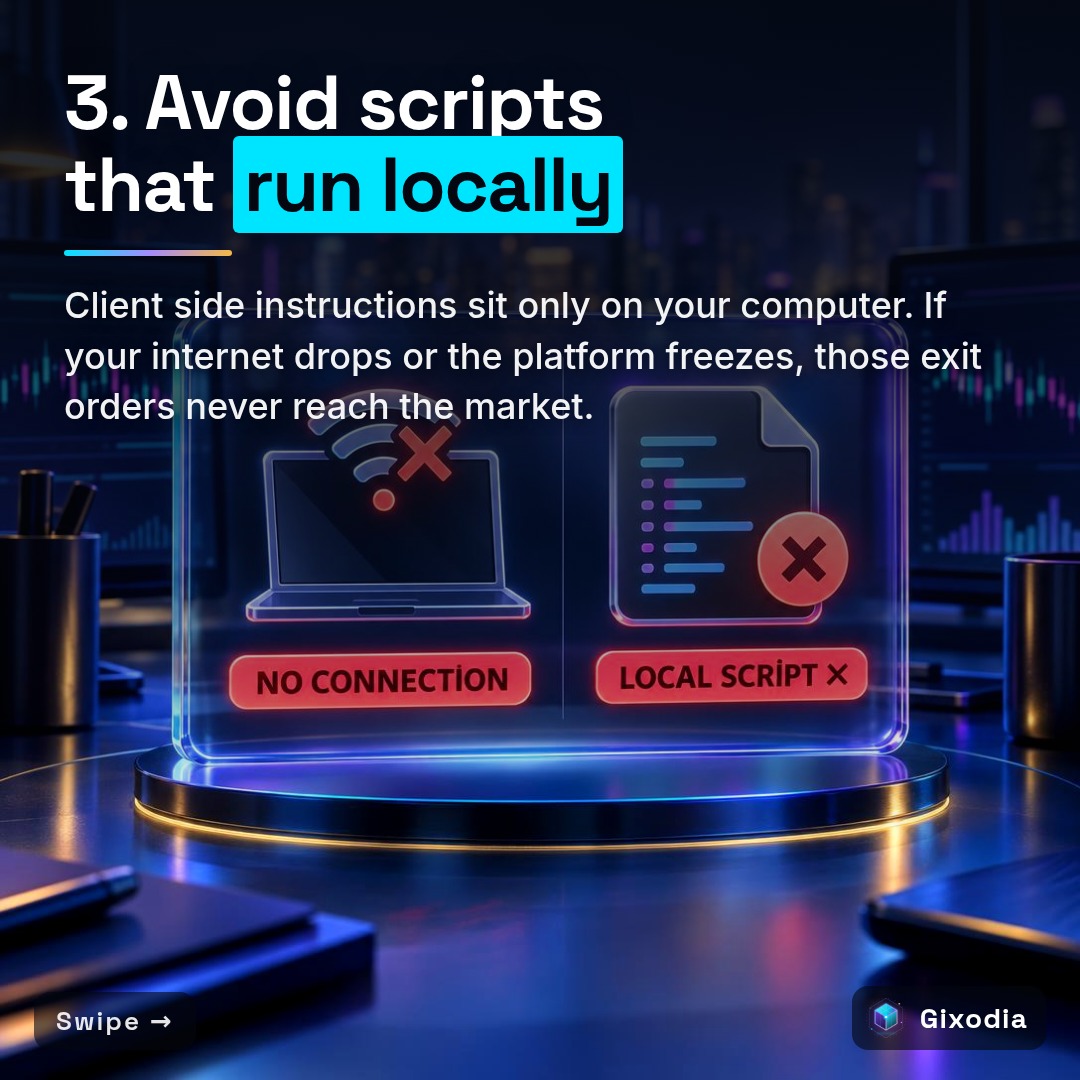
In contrast, many custom trailing stop tools, alert popups, and visual chart utilities exist purely as client-side instructions. These tools run in your device memory and require an uninterrupted stream of price data to calculate when to fire an exit instruction. If your machine disconnects or your software hangs, those client scripts stop evaluating the market, leaving your account completely unprotected against adverse price swings.
Solid operational discipline demands that you never hold open trades without hard price levels recognized by the remote host. To see how these mechanics interact with real market conditions, review our analysis on slippage and gaps.
- Hard stop losses rest on the trade server and remain active through local hardware failures.
- Client-side trailing scripts go silent the moment your computer terminal loses connection.
- Server execution eliminates the danger of device sleep modes, power cuts, and mobile app crashes.

How does an emergency telephone dealing desk work?
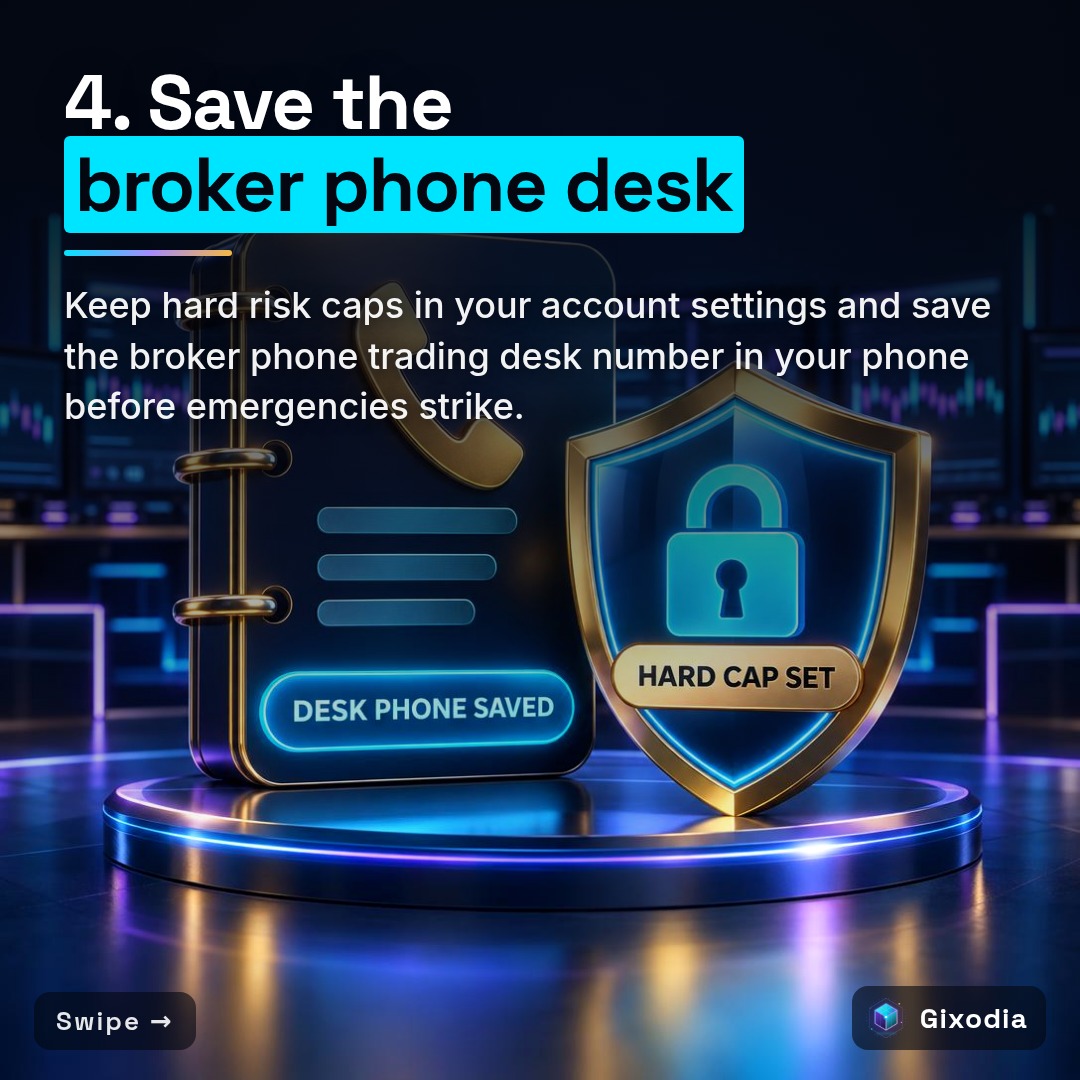
An emergency telephone dealing desk is a dedicated voice-trading phone line maintained by a broker where human dealers manually close positions, cancel pending orders, or check account equity when electronic platforms experience technical outages.
Financial regulators, including rules outlined under institutional continuity standards like FINRA Rule 4370, require regulated brokerages to maintain operational backup facilities so retail clients can reach their funds during system outages. The primary tool for this backup access is the emergency trade desk, staffed by licensed execution dealers who interface directly with core matching engines.
Calling this desk during a platform crisis requires preparation. You cannot simply give your name; you must authenticate yourself immediately using your trading account number and your specific phone trading passcode. This audio voice-PIN is established when you open your trading account and is entirely different from the master password you type into your computer keyboard.
If you store this emergency number and your authentication PIN inside the very computer that just crashed, you lose critical minutes trying to dig up records. Professional traders write these credentials down on physical index cards placed right next to their trading monitor so they can pick up their mobile phone and dial the dealing desk within thirty seconds of an interface freeze.
| Feature | Server-Side Order (MT5 Stop Loss) | Client-Side Order (Local Trailing Script) |
|---|---|---|
| Storage Location | Stored directly on the broker trade server | Stored exclusively in local computer memory |
| Internet Disconnection | Executes normally when market price is reached | Stops functioning and fails to execute |
| App Crash or Power Cut | Completely unaffected by device state | Dies instantly when the software terminates |
| Modification Speed | Requires immediate network ping to change | Adjusts locally tick-by-tick on active screens |
How can you build connection redundancy for your trading setup?
You build connection redundancy by establishing a secondary, completely independent path for both your internet access and your trading software terminal, ensuring that a single hardware or network failure does not isolate you from live markets.
The most common cause of an interface freeze is not a global broker collapse, but a localized issue such as home Wi-Fi degradation, home router crashes, or local Internet Service Provider maintenance. Every active market participant should configure an alternate device, such as a mobile phone running on independent cellular data, that remains logged into the trading account.
When your desktop screen fails to update, your immediate first move is to tap the trading application on your cellular network. If the mobile app connects instantly and updates prices, you immediately know that the broker is running fine and the failure is isolated to your local computer or home router. This diagnostic lets you close trades through your mobile phone without wasting time troubleshooting your desktop Wi-Fi.
For automated traders, hardware redundancy often means hosting algorithmic routines on dedicated remote virtual private servers located inside institutional data centers rather than keeping personal desktop machines running at home. This setup keeps trade management operational regardless of personal connection drops. For a clear look at how automated trade management functions, read our guide on what is algorithmic trading.
- Keep an updated trading app installed on a phone connected to independent cellular data.
- Test your cellular login once a month during normal market hours to ensure sessions do not require unexpected updates.
- Use a VPS setup for algorithmic routines to remove dependency on home power and internet lines.
How does automated execution reduce platform freeze panic?
Automated execution reduces platform freeze panic because a rule-based algorithm applies stop losses, position sizing, and account exposure rules programmatically at the exact millisecond of trade entry, preventing open-ended exposure before human emotions can intervene.
Manual traders frequently fall into the trap of entering a market position with the intention of placing their stop loss a few moments later, or watching the screen to exit by hand when a setup invalidates. If an application freeze strikes during that brief window of naked market exposure, panic sets in, leading to erratic actions, frantic clicking, and severe psychological distress.
Algorithmic execution removes this human delay. Rules-based software packages submit the entry order and the associated server-side stop loss simultaneously in a single atomic transmission to the broker server. Once the server accepts the ticket, safety limits are locked in place regardless of what happens to the user screen afterward.
Gixodia builds algorithmic trading software for MetaTrader 5 that trades by predefined rules, the same way every time, free of hesitation, fatigue, and emotion. By enforcing fixed rules on assets like EUR/USD and gold, it scales down as limits you set get close and pauses at those limits. It does not try to predict market direction, but it makes sure that every open trade adheres to strict operational discipline before network issues can create chaos. For more background on systematic strategies, explore our guide on risk management in MT4 and MT5 EAs.
How to do it, step by step
- Verify server stop placement. Open your MetaTrader 5 terminal, inspect your active trade ticket in the Toolbox window, and confirm that a specific, non-zero numeric price appears in the Stop Loss column. If the field is empty, double-click the trade row immediately, type in your absolute price limit, and click Modify.
- Store phone desk credentials offline. Locate your broker emergency telephone trading desk number and your voice authentication PIN inside your onboarding paperwork. Write both pieces of information down on physical paper next to your desk and add the phone number to your mobile device contact list.
- Configure a cellular backup terminal. Download your broker official mobile trading app onto your smartphone. Log in with your trading account credentials and keep the session active using mobile cellular data completely isolated from your desktop home Wi-Fi network.
- Diagnose disconnect sources instantly. When your primary desktop interface stalls, look at the connection indicator in the bottom right corner of MetaTrader 5. If it shows No Connection, immediately open your phone app on cellular data to verify whether the outage is a local internet issue or a broker server blackout.
- Execute voice liquidation if necessary. If both mobile cellular data and desktop access fail to connect to the broker host, dial the emergency phone trading desk immediately. Provide your account number, read your voice security PIN, and instruct the dealer to close specific ticket numbers at market.
Checklist before you take the trade
- Every active position has a numeric stop loss price registered on the broker server.
- The broker emergency dealing desk phone number is saved in your mobile phone contacts.
- Your trading account number and phone trading voice-PIN are written down on physical paper.
- A secondary mobile app is installed and logged in on an independent cellular data network.
- You have verified whether your trailing stop software runs on the broker server or locally.
Common mistakes and how to fix them
✗ The mistake: Relying on client-side trailing scripts or third-party webhooks without a hard server stop loss.
✓ The fix: Always place an absolute price stop loss on the core trade ticket in MetaTrader 5 so the broker server holds the exit order if your computer crashes.
✗ The mistake: Storing emergency dealing desk phone numbers and account PINs exclusively inside password managers on the crashed device.
✓ The fix: Keep an offline index card with your broker emergency voice-desk phone number, account ID, and telephone execution PIN right next to your trading monitor.
✗ The mistake: Repeatedly tapping the buy or sell button on a frozen trading app screen during a connection freeze.
✓ The fix: Step back immediately when a screen stops responding; repeated tapping queues multiple duplicate market orders that execute together once the network recovers.
Frequently asked questions
Will my stop loss execute if my broker app freezes or my internet drops?
Yes, standard stop loss orders entered directly into an order ticket execute normally because they are held on the broker central trade server. Once accepted by the server, your local internet connection, computer power, or mobile app status has no effect on order execution.
What should I do first when my trading screen freezes during an open trade?
Do not tap the order button repeatedly. Switch your mobile phone off Wi-Fi onto cellular data and open your broker mobile app to determine if the issue is a home broadband failure or a broker-wide platform crash.
How do I close an open trade if the broker server is down completely?
Call the broker emergency telephone dealing desk immediately. Provide your trading account number and phone trading voice-PIN, then request that the dealing desk representative close your open position tickets at current market price.
Can I claim compensation if a platform outage causes an unexpected loss?
You can file a formal trade dispute with your broker compliance department. Export your MetaTrader 5 Journal and Log files to document exact server connection timestamps and demonstrate that platform negligence prevented timely order execution.
Want your trading to follow fixed rules, the same way every time? Gixodia's trading software for MetaTrader 5 trades by predefined rules on your own broker account, in your own name. Try it free for 72 hours, a demo account is fine, then $499/year. Trading involves risk and you can lose money.
Sources
- What Happens If Your Broker Platform Goes Down (rextradingsignal.com)
- Business Continuity Planning (BCP) (finra.org)
- fortraders.com