 GIX
The 4-Point Safety Checklist Before Connecting Trading Software to Real Money
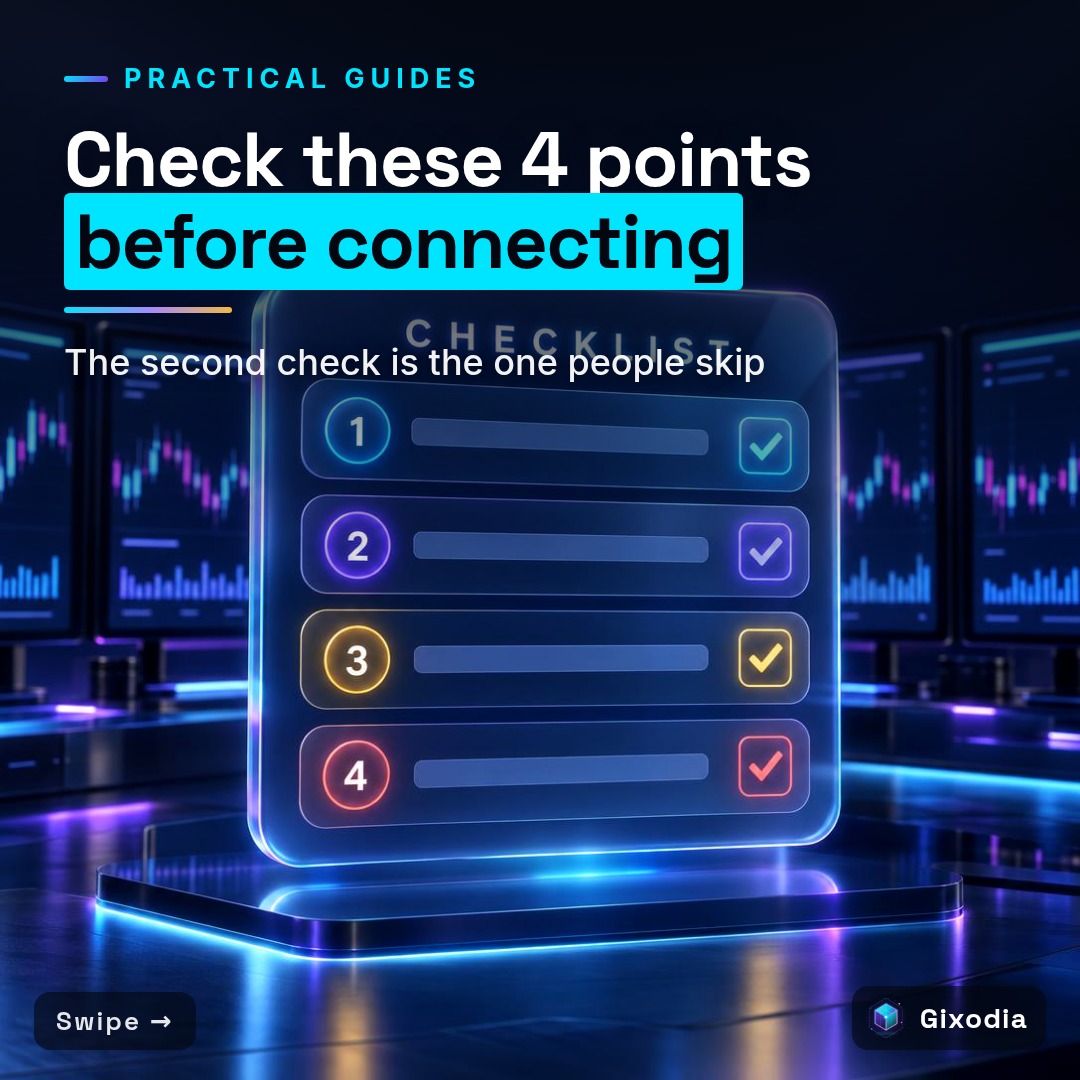
- Keep your capital exclusively in a broker account registered in your own legal name.
- Restrict software permissions so an algorithm can only place trades, never initiate withdrawals or balance transfers.
- Run automated programs on an always-on virtual private server instead of a home computer.
- Enforce hard risk limits so your positions scale down and trading automatically pauses as boundaries approach.
- Audit order logic and loss handling on a demo account before committing live capital.
Why is an account safety checklist necessary before running trading software?
A trading software safety checklist is an operational protocol that prevents catastrophic losses caused by technical bugs, dropped internet connections, and excessive permissions rather than ordinary trading performance. It isolates market execution from account custody and ensures that pre-trade risk controls stop uncontrolled orders before capital is compromised.
When retail traders transition to automation, their attention usually centers entirely on entry signals and potential upside. However, industry guidelines from organizations like the Futures Industry Association emphasize that operational risk controls are what keep trading firms solvent. Without deliberate safeguards, simple technical failures like a computer going to sleep while a trade is open can leave positions exposed to sudden market shocks.
Automated systems run continuously through changing market sessions. On major pairs like EUR/USD or highly active commodities like gold, rapid price moves require dependable trade execution. Running a structured checklist ensures that you control the software rather than letting an unchecked program compromise your account.
- Prevents runaway orders caused by network retry loops.
- Eliminates unauthorized balance transfers by strictly scoping access keys.
- Ensures your stop loss, the order that closes a trade when it goes against you, is registered and tracked reliably.
Point 1: How do you verify broker custody and account access permissions?
Broker custody verification means ensuring that your funds stay in a regulated broker account registered strictly under your own name. Legitimate trading software needs only execution and balance reading permissions to place orders, and it must never have authorization to withdraw, transfer, or handle your funds directly.
The first line of defense is account ownership. Never send your deposits to an automated software vendor, an unregulated platform, or an unfamiliar pool claiming to trade on your behalf. You open and hold your account directly with best brokers for forex bots 2026, keeping full ownership of your credentials and funds. Legitimate software functions as an external tool, not an asset custodian.
When you connect an algorithm or an Expert Advisor, the automated program running inside MetaTrader 5, inspect the permissions granted. In MT5, trade execution happens through the platform terminal using standard trading rights. If an external service asks for API credentials, security standards like those outlined in the FINRA cybersecurity checklist demand that withdrawal permissions remain completely disabled. The software places orders, while your money never leaves your broker's segregated customer account.
- Open your live trading account directly with your broker under your legal identity.
- Never grant withdrawal or fund transfer privileges to any algorithm or third party connector.
- Use independent investor passwords when allowing tools to read your balance history.

Point 2: Why do you need a dedicated virtual server instead of a home computer?
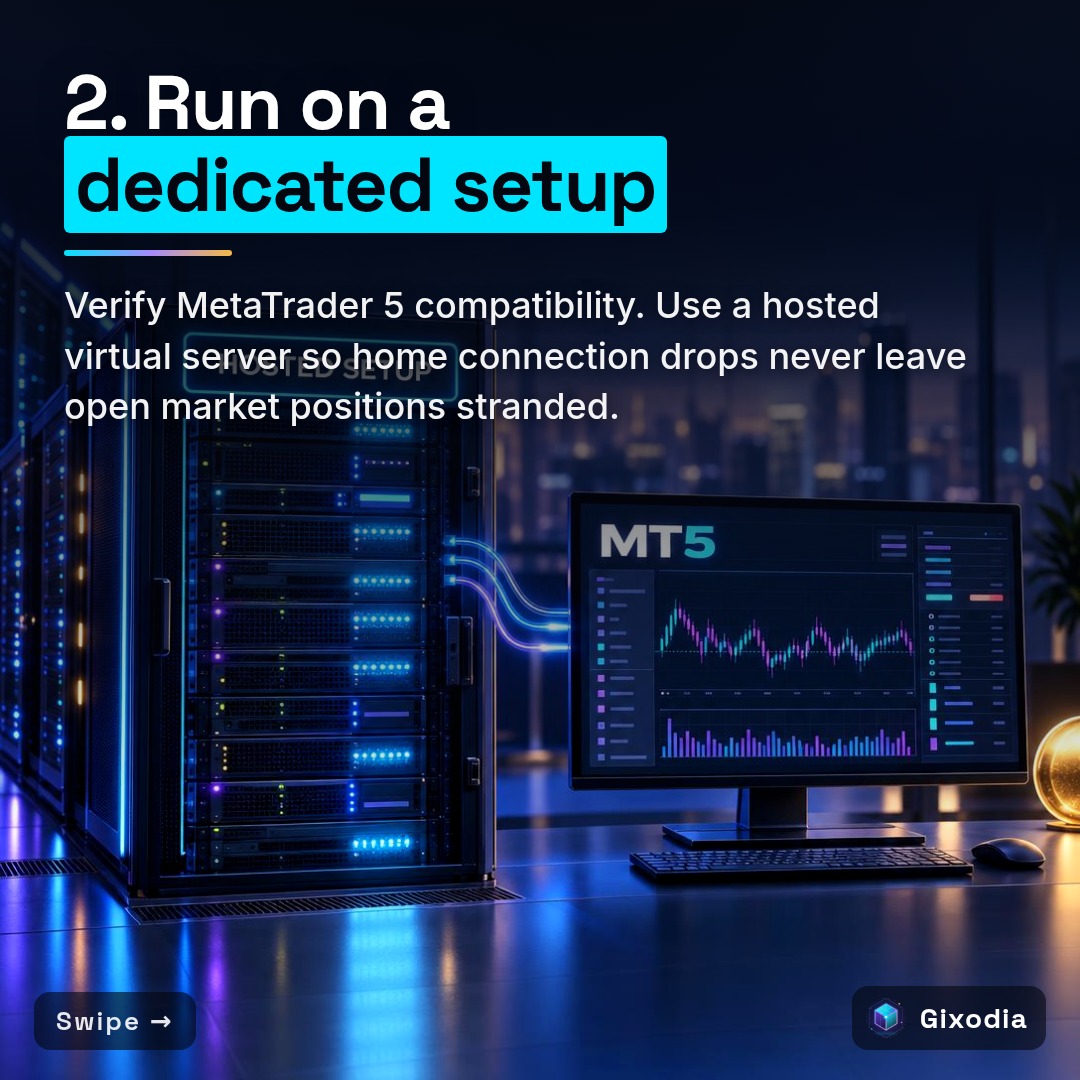
A dedicated virtual private server provides an uninterrupted power supply, low latency connections to your broker, and stable hardware that runs continuously. Running automation on a home laptop risks stranded positions whenever the machine enters sleep mode, installs operating system updates, or loses Wi-Fi connectivity.
Home computers are built for everyday consumer tasks, not mission-critical trade execution. If you leave an algorithm running on a laptop, a simple power-saving feature can put the processor to sleep while a position in gold is actively moving. Worse, domestic internet connections experience periodic micro-disconnects. If your home network drops during a central bank rate release, the software cannot manage your exit.
A virtual server runs in a professional data center with redundant power and backup fiber lines. When you use what is algorithmic trading protocols, keeping your terminal active around the clock ensures that order signals and safety checks are processed without hesitation. Platforms like MetaTrader 5 remain open continuously, monitoring every tick regardless of your local internet status.
| Safety Point | Unchecked Automated Setup | Protected Automated Setup |
|---|---|---|
| Fund Custody | Depositing into third party software portals or shared pools | Direct custody in your own broker account with read and trade rights only |
| Terminal Hosting | Personal laptop prone to OS updates, battery sleep, and Wi-Fi drops | Dedicated virtual private server (VPS) with continuous internet connectivity |
| Risk Parameters | Uncapped trade sizes and open ended drawdowns during news spikes | Pre-trade ceiling, position scaling, and automated session pause triggers |
| Testing Protocol | Connecting real capital on day one without live behavioral checks | Extended demo run verifying execution, partial fills, and stop loss accuracy |
Point 3: How do you lock in hard risk boundaries and automated pause limits?
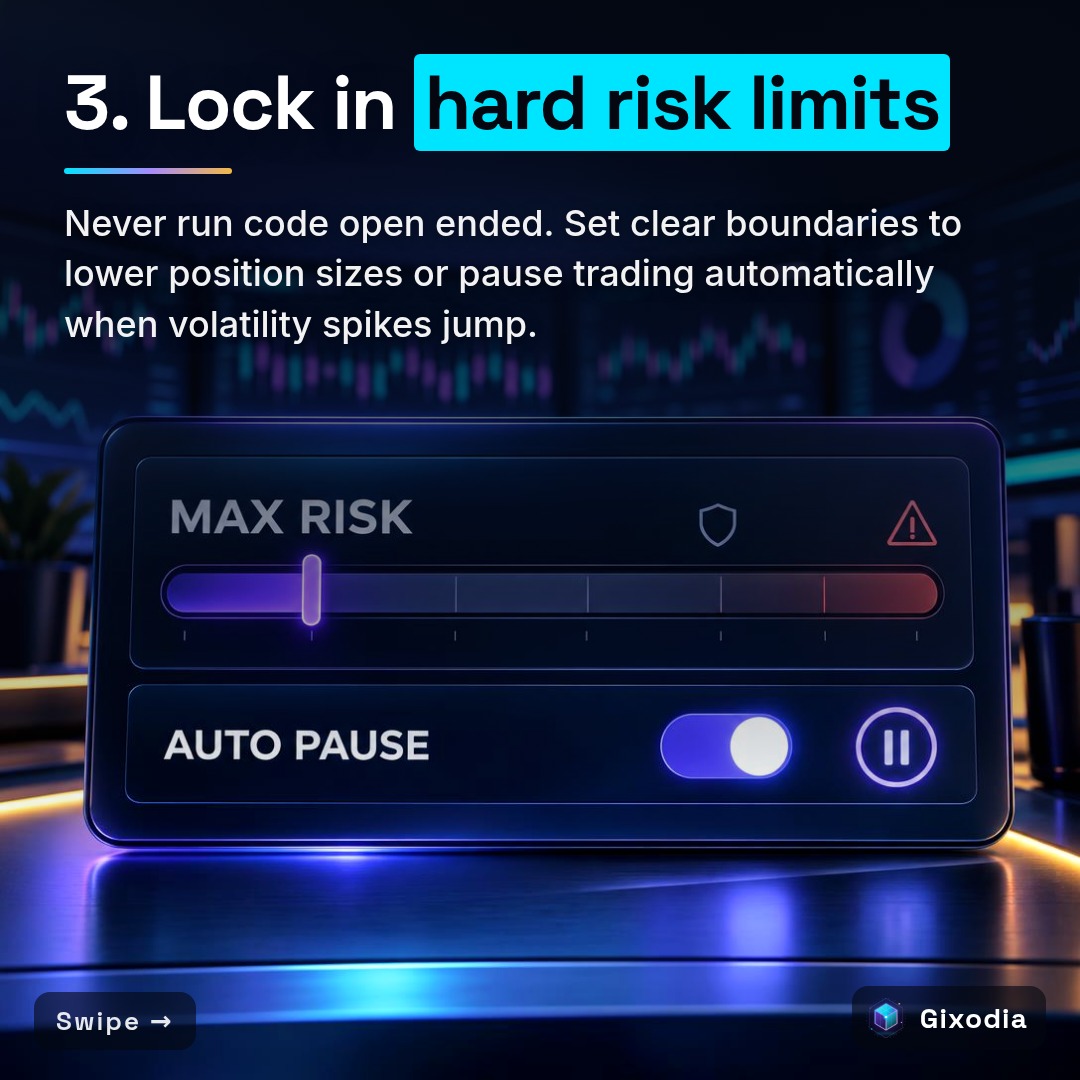
Hard risk boundaries are predefined mathematical rules that limit individual order sizes, cap gross exposure, and halt automated trading when a specific drawdown threshold is reached. These boundaries ensure that your code automatically scales down position sizes or pauses completely as market volatility jumps.
Software should never trade open-ended without strict capital limits. In institutional risk management, pre-trade controls calculate total exposure before an order reaches the broker. For a retail trader, this means configuring your software settings so that every position uses a fixed percentage of balance rather than arbitrary lot sizes. Reviewing risk management mt4 ea pro shows that managing position sizing deterministically protects your capital from deep market swings.
A resilient automated system includes safety behavior: as an account approaches a predetermined loss boundary, it scales down order volume, and it pauses trading entirely when that limit is reached. It does not try to predict the market or double down on losing positions to recover capital. Gixodia's trading software trades by predefined rules, the same way every time, and pauses at the limit you configure. Locking in hard parameters prevents an unexpected market move in EUR/USD from triggering multiple uncontrolled entries.
Point 4: Why must you test order execution on a demo account first?
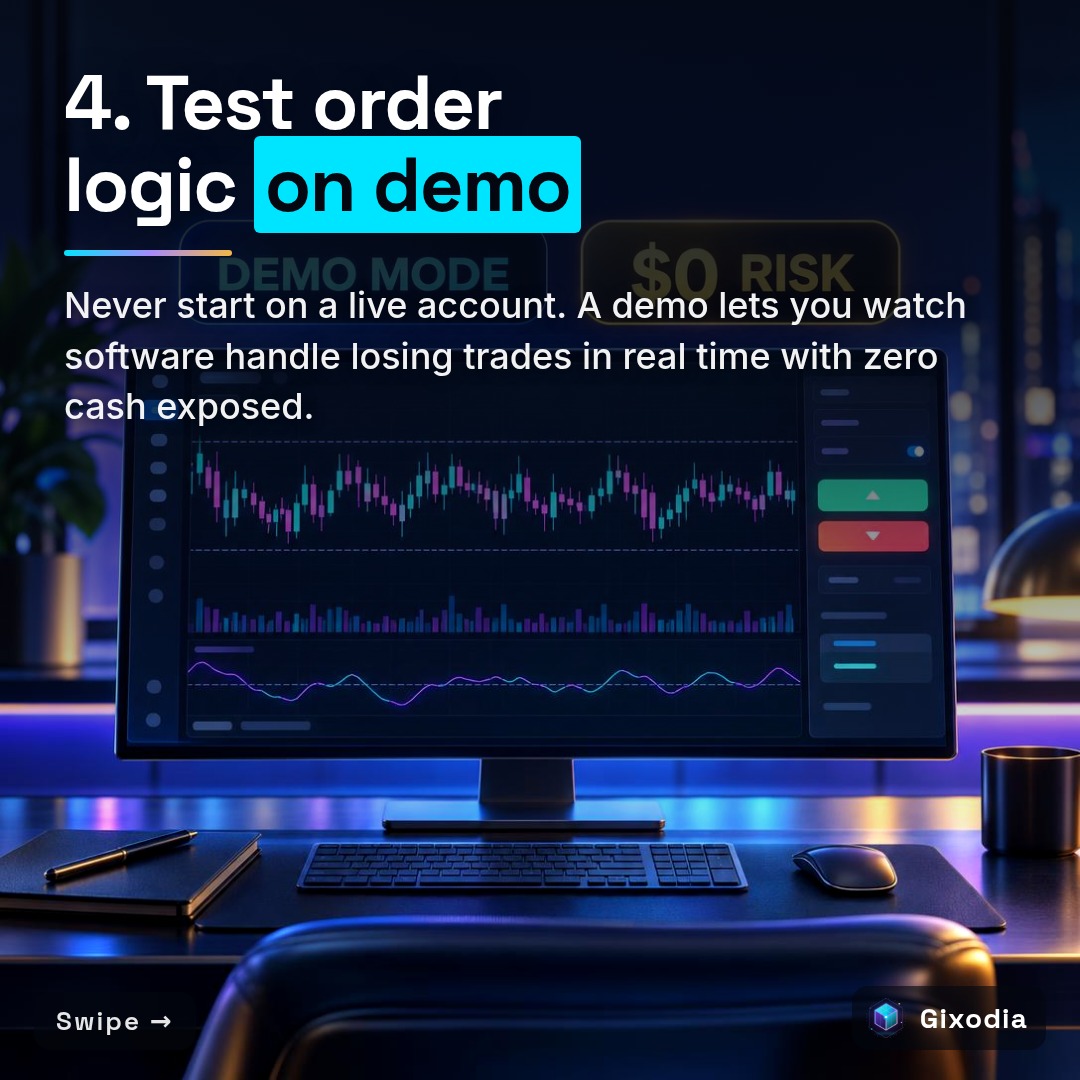
Testing on a demo account lets you observe how software executes entries, processes partial fills, and manages losing trades in live market conditions without risking actual capital. It validates that your lot sizing arithmetic, platform settings, and broker feeds align correctly before live money is introduced.
Backtesting gives you theoretical historical data, but only forward testing in a demo environment reveals how software interacts with current broker infrastructure. Spreads, the gap between the buy price and the sell price, widen during session rollovers, and execution speeds vary throughout the day. By running code on a demo account, you observe the system handling both winning runs and losing days under realistic pricing.
Use this trial period to verify basic mechanics: does the software place a stop loss correctly with every entry? Does it adhere to your risk limits when news volatility spikes? Exploring what to do during free trial periods helps traders focus on operational behavior rather than short-term paper gains. If the software mishandles an unexpected error or opens an incorrectly sized order, catching it in a demo environment costs you nothing.
How to do it, step by step
- Verify custody and permissions. Ensure your trading account is opened directly in your name at your chosen broker. Double-check that all automated connections only possess order placement rights, with balance withdrawal and external transfer capabilities strictly disabled.
- Set up a virtual private server. Deploy MetaTrader 5 on a virtual private server with continuous internet connectivity. Disable automatic sleep modes and scheduled system reboots during active trading hours so the terminal stays active around the clock.
- Configure pre-trade financial boundaries. Inside your software settings, define your maximum allowed lot size per trade, maximum open positions, and session stop-out limits. Ensure the system is configured to scale down position sizes and pause trading automatically as limits are approached.
- Run an initial demo simulation. Connect your software to a demo account first. Observe live order entries, slippage behavior during fast moves, and the software's automated trade management over several days without exposing real money.
- Perform a connection drop test. Simulate a connectivity failure by closing the terminal or disconnecting the network while a test trade is active. Confirm that your resting stop loss order remains safely logged on the broker side.
Checklist before you take the trade
- Broker account is legally registered under your personal name.
- Software holds trading permissions only, with withdrawal access strictly blocked.
- MetaTrader 5 terminal is installed on an always-on virtual private server.
- Maximum lot sizes and exposure caps are hardcoded into your settings.
- Drawdown limits are configured to scale down positions and pause trading automatically.
- Order execution and loss handling have been verified on a demo account.
- Emergency manual closing procedures inside MetaTrader 5 are tested and ready.
Common mistakes and how to fix them
✗ The mistake: Running automated trading programs on a home laptop or personal computer.
✓ The fix: Migrate the MetaTrader 5 platform to a dedicated virtual server that stays active 24 hours a day without sleep modes or home internet dropouts.
✗ The mistake: Granting third-party trading systems full account access or transferring funds to an unverified provider.
✓ The fix: Retain direct custody of your balance in your personal broker account, and share only execution credentials that have no withdrawal permissions.
✗ The mistake: Deploying automated software directly onto a live funded account without forward testing.
✓ The fix: Run the system through a full market cycle on a demo account to confirm how it handles news volatility, execution requotes, and regular drawdown.
✗ The mistake: Allowing software to trade open-ended without defined session loss caps.
✓ The fix: Set pre-trade stop-out parameters so the program automatically scales down exposure and halts when boundaries are reached.
Frequently asked questions
Can trading software withdraw funds from my broker account?
No legitimate trading software has the ability to withdraw funds. Software running in MetaTrader 5 or connected via trading APIs requires only order entry permissions. Your capital stays protected inside your personal broker account under your own legal name.
Why should I not run automated trading on my home laptop?
Home laptops frequently enter battery sleep mode, lose Wi-Fi signal, or reboot for operating system updates. Any of these events shuts down the trading platform and leaves open market positions unmonitored.
How long should I test an automated system on a demo account?
Run your system on a demo account long enough to witness varied market environments, such as high-impact news releases, session opens, and typical losing sequences. This confirms that your risk limits and stop orders work properly before risking real capital.
What does it mean when software scales down at a limit?
Scaling down means that as your account experiences normal drawdowns and nears a predefined risk ceiling, the software reduces its order sizes. If the boundary is met, it pauses trading completely to preserve your balance.
Want your trading to follow fixed rules, the same way every time? Gixodia's trading software for MetaTrader 5 trades by predefined rules on your own broker account, in your own name. Try it free for 72 hours, a demo account is fine, then $499/year. Trading involves risk and you can lose money.