 GIX
How MetaTrader 5 Architecture Protects Your Trading Capital from Unauthorized Withdrawals

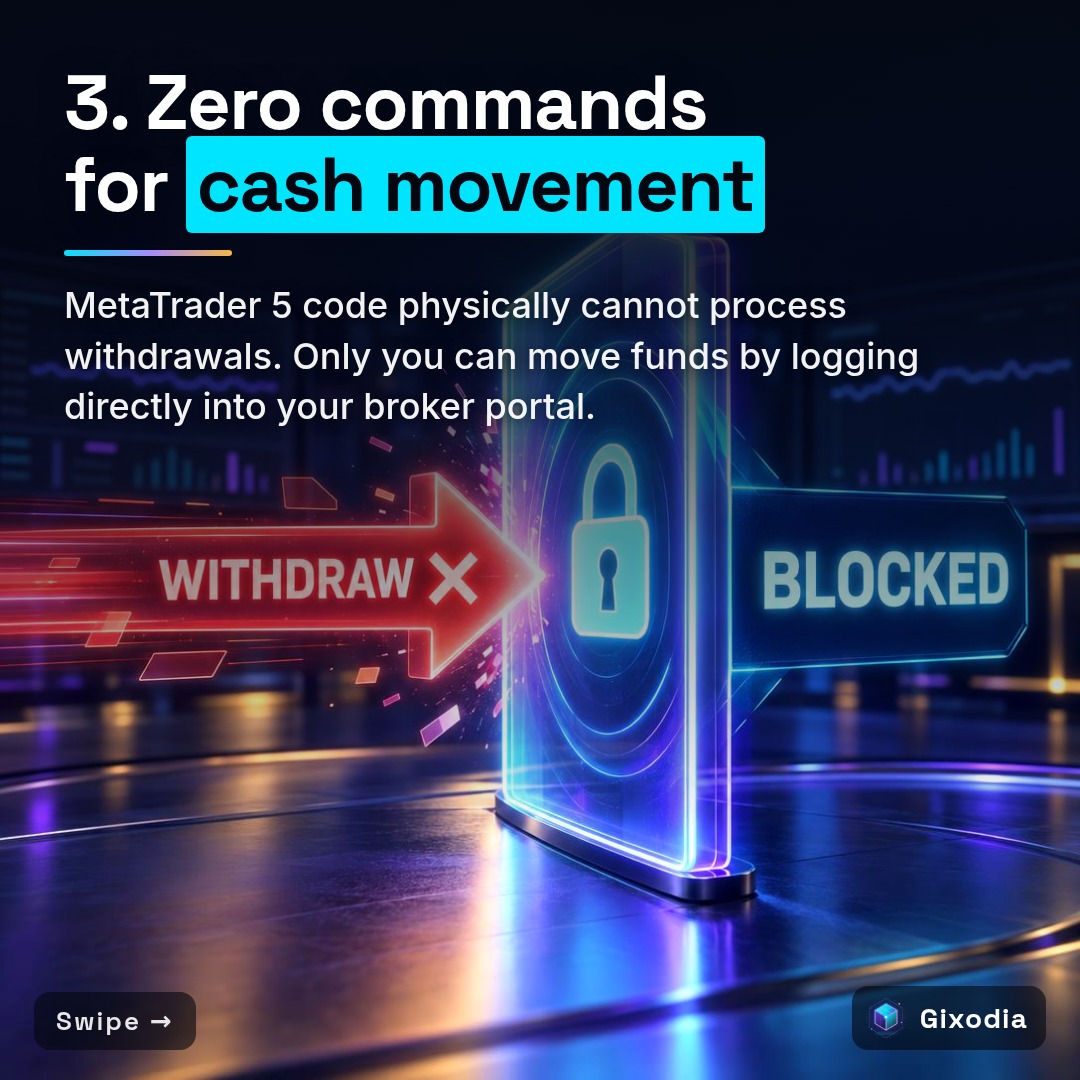
- MetaTrader 5 has no code or commands to initiate, process, or complete cash withdrawals.
- Cash deposits and payouts take place exclusively inside your secure broker web portal, not the trading terminal.
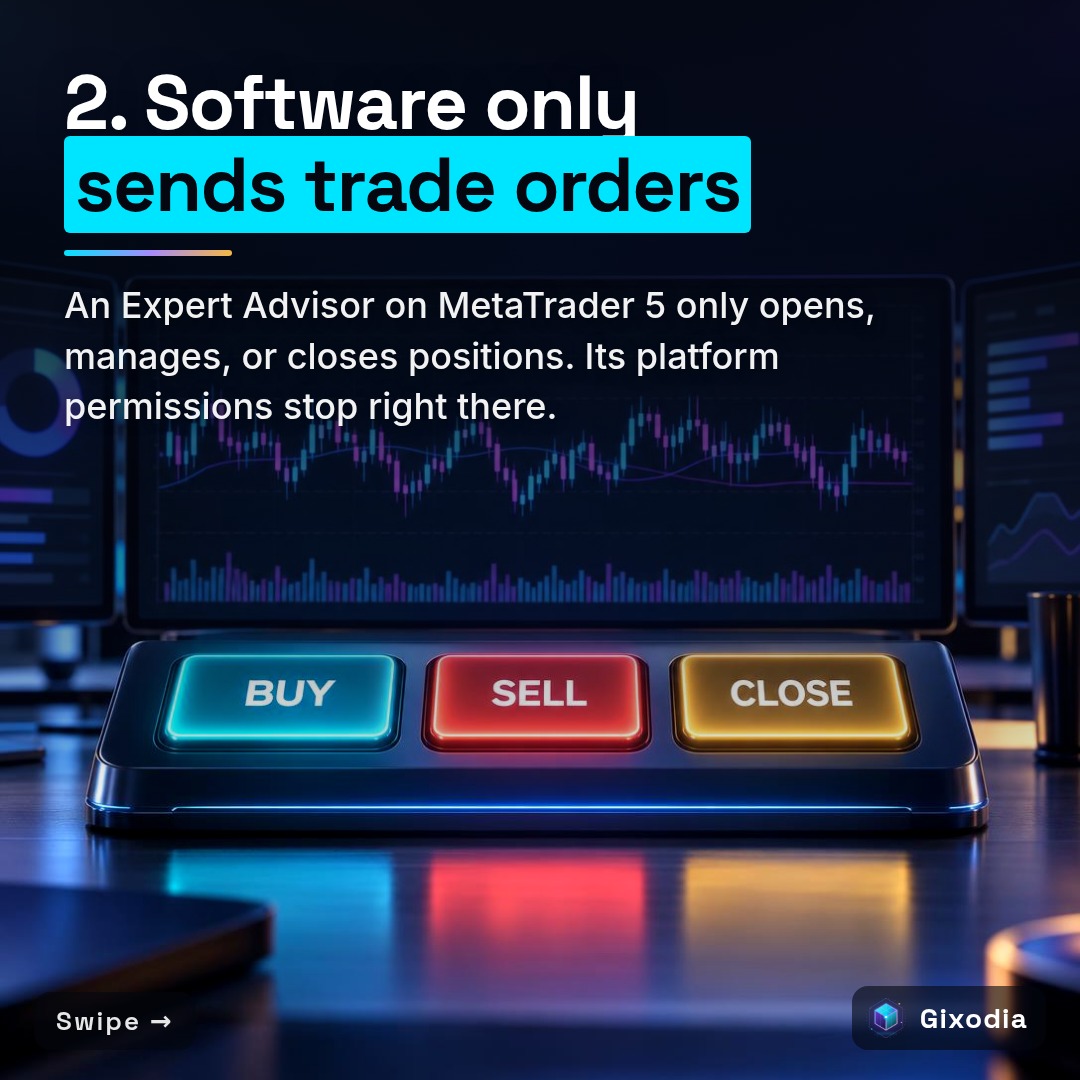
- Trading bots and Expert Advisors operate under platform boundaries limited strictly to opening and closing market orders.
- The investor password provides a read-only session that blocks order execution entirely while letting tools track performance.
- Your trading account remains registered in your own legal name, preventing third-party software from taking custody of your capital.
Can an automated trading bot withdraw funds from your MetaTrader 5 account?
No, an automated trading bot cannot withdraw funds from your MetaTrader 5 account because the platform architecture physically lacks any programming function or network command to transfer cash. Expert Advisors can only send trade requests such as buying, selling, or modifying orders.
When you run automated software on your account, the program lives inside the client terminal. It interacts with the broker through a dedicated trade protocol that communicates price quotes, opens positions, sets stop loss levels, and records deal history. Because MetaTrader 5 contains zero banking modules, an algorithm cannot transfer money to another account, move capital out of your balance, or deduct software fees directly from your equity.
Every legitimate setup relies on this architectural boundary. For example, Gixodia's trading software operates strictly as an Expert Advisor inside MetaTrader 5 on your own broker account. It executes predefined trade rules without ever holding your money, touching your deposits, or taking custody of your trading capital.
- Expert Advisors operate strictly within the bounds of MetaTrader 5 order execution APIs.
- Platform commands are limited to market orders, pending orders, and position management.
- Software running on your desktop terminal cannot interact with banking rails or external wallets.
What is the difference between your broker portal and the MetaTrader 5 terminal?
The broker portal is a secure website that manages your personal identity, banking methods, deposits, and cash withdrawals, whereas the MetaTrader 5 terminal is a standalone software interface built solely to execute market transactions and display live price charts.
Understanding account safety begins with separating custody from execution. Your capital sits with your broker in an account opened under your legal name. When you want to deposit savings or request a cash payout, you log in to your broker's web dashboard using private credentials. This dashboard uses two-factor authentication and strict identity checks to ensure payouts return only to bank accounts matching your verified identity.
The MetaTrader 5 desktop terminal, on the other hand, is merely an execution bridge. It receives market data from the trade server and sends back transactional instructions, such as buying EUR/USD or gold. Even if someone obtained your trading terminal password, they would find no cash management buttons, no banking details, and no withdrawal forms on the screen. Knowing this separation helps traders avoid confusion when evaluating how to spot trading bot scams.
- Custodial control remains isolated in the broker web environment.
- Trading terminals process trade operations without holding direct banking access.
- Withdrawal requests require logging into the broker portal with independent personal credentials.


How does the MetaTrader 5 investor password ensure read-only safety?
The MetaTrader 5 investor password is a read-only credential that allows a user or tracking service to view live account balances, open positions, and trading history while the server engine blocks every attempt to place, modify, or close a trade.
MetaTrader 5 uses a dual-tier credential architecture consisting of a Master Password and an Investor Password [1]. The Master Password grants full trading privileges, allowing manual entries or Expert Advisors to submit orders. The Investor Password restricts platform access to observational duties. When a session logs in using an investor password, the trade server flags the session token as read-only.
In read-only mode, you can watch market movements on EUR/USD, inspect open trades, and review completed performance journals [2]. However, the 'New Order' button stays grayed out. If an outside tool attempts to dispatch an order through an investor session, the broker trade server rejects the call instantly. This credential split is common when connecting your terminal to trade journals or tracking analytics, as discussed in our guide on how to verify bot performance.
- Investor credentials permit real-time account tracking without trading permissions.
- Server-level validation blocks all order dispatches and stop loss adjustments.
- Analytical dashboards can verify live results without risking unexpected orders.
| Feature / Action | Broker Client Portal (Web Dashboard) | MetaTrader 5 Trading Terminal |
|---|---|---|
| Primary Function | Account custody, identity verification, and cash management | Market analysis, live charting, and order execution |
| Fund Transfers and Withdrawals | Supported through verified bank rails and personal payment methods | Impossible; terminal code lacks withdrawal functions entirely |
| Third-Party Software Access | Never granted; protected by private personal login credentials | Permitted via Expert Advisors strictly for order placement |
| Read-Only Monitoring Access | Not applicable; portal gives full administrative account control | Supported natively through the dedicated investor password |
Why must trading accounts always remain in your own legal name?
Trading accounts must always remain in your own legal name so that your regulated broker enforces strict anti-money laundering rules, ensuring deposits and withdrawals are processed exclusively to your verified personal bank accounts.
Legitimate online trading requires you to open an individual account with your chosen broker. The broker verifies your identity using government documents and proof of address before accepting capital. Because of standard financial regulations, a broker will never process a payout to a third party or an unrelated payment method. Payouts must return to the exact legal individual who funded the account.
Problems arise when retail traders hand capital over to third-party pooled websites or unlicensed services promising automated returns. If software requires you to send money to a private dashboard rather than a recognized broker in your own name, you lose legal custody of your funds. By maintaining direct ownership of your account and selecting best brokers for forex bots, you keep exclusive authority over every withdrawal request.
- Brokers enforce closed-loop payment systems returning funds only to the account owner.
- Third-party custody arrangements remove your direct legal claim to your balance.
- Transparent trading setups require private software to run directly on your personal account.
How do Expert Advisors operate safely within MetaTrader 5 permissions?
Expert Advisors operate safely because their programmatic execution environment is strictly confined to MetaTrader 5 platform libraries, which allow order placement and position modification but offer zero capability to access funds or transfer capital.
An Expert Advisor is a software script written to automate trade decisions inside MetaTrader 5. When attached to a chart, it processes incoming price ticks for instruments like EUR/USD or gold, evaluates technical conditions, and dispatches trade instructions. The terminal checks whether algorithmic trading is enabled and sends the request to the broker trade server.
This execution pathway has strict platform limits. The MQL5 language used to write these programs contains no functions for cash management, withdrawal processing, or account balance extraction. The software can place a buy order, adjust a stop loss, or close a position according to its fixed logic, but your balance stays firmly locked inside your broker account. Reviewing the trading software safety checklist helps you verify that any tool you connect respects these boundaries.
- Code libraries support trade execution commands while omitting financial transfer mechanisms.
- MetaTrader 5 enforces clear technical permissions on every running script.
- Platform safety ensures automated programs cannot alter account ownership details.
How to do it, step by step
- Open an account directly with your broker. Register your trading account directly on your broker official website under your legal name, complete identity verification, and keep your web portal credentials completely private.
- Separate your web portal and trading terminal passwords. Ensure your broker web portal password differs from your MetaTrader 5 master password so that execution access never shares credentials with cash management.
- Configure a dedicated investor password in MetaTrader 5. Open MetaTrader 5 desktop, press Ctrl + O to open Options, select the Server tab, click Change, select Change investor (read-only) password, and create an 8-character read-only credential [2].
- Verify read-only status when connecting monitoring tools. Log in with your investor password on a separate terminal window and confirm that the New Order button is grayed out before sharing read-only credentials with performance journals [1].
- Attach automated software strictly inside the terminal. Install your Expert Advisor directly into the MetaTrader 5 terminal, allowing it to place market orders while confirming it never asks for web portal credentials or banking access.
Checklist before you take the trade
- Confirm your trading account is registered entirely under your legal personal name.
- Verify that your broker web portal uses a unique password separate from MetaTrader 5.
- Check that your broker account requires two-factor authentication for withdrawals.
- Ensure third-party software connects only inside MetaTrader 5 via Expert Advisors.
- Use the investor password whenever sharing live performance tracking with third parties.
- Confirm that no outside service or software provider asks for deposit custody.
Common mistakes and how to fix them
✗ The mistake: Sharing broker web portal credentials instead of trading terminal credentials.
✓ The fix: Never share your broker website login; only enter your trading credentials inside the MetaTrader 5 application.
✗ The mistake: Believing an Expert Advisor can steal your balance through terminal commands.
✓ The fix: Review platform technical limits to understand that MetaTrader 5 code physically cannot process withdrawals.
✗ The mistake: Depositing trading capital through third-party platforms rather than directly with your broker.
✓ The fix: Always deposit funds directly through your personal verified broker portal to retain full legal custody.
✗ The mistake: Giving the master trading password to tracking tools instead of the investor password.
✓ The fix: Generate an investor password inside MetaTrader 5 options so tracking tools only receive read-only privileges [2].
Frequently asked questions
Can someone withdraw money from my account if they get my MetaTrader 5 password?
No, they cannot withdraw funds using your MetaTrader 5 password. The terminal only permits order execution and chart analysis. Cash withdrawals require logging into your separate broker web portal, which requires independent credentials and identity verification.
What happens if I try to place a trade using the investor password?
The trade will fail immediately. The MetaTrader 5 trade server flags investor sessions as read-only, graying out the New Order button and rejecting any manual or algorithmic trade requests [1].
Can Gixodia's trading software touch my deposited capital?
No. Gixodia's trading software is an Expert Advisor that runs inside MetaTrader 5 on your own broker account. It trades by predefined rules, the same way every time, and it has no technical mechanism or permission to hold, transfer, or withdraw your funds.
How do I reset my investor password if I forget it?
Log in to your MetaTrader 5 desktop terminal using your Master Password, open Tools, select Options, navigate to the Server tab, click Change, and select Change investor password to set a new one [2].
Want your trading to follow fixed rules, the same way every time? Gixodia's trading software for MetaTrader 5 trades by predefined rules on your own broker account, in your own name. Try it free for 72 hours, a demo account is fine, then $499/year. Trading involves risk and you can lose money.
Sources
- MT5 Investor Password: Read-Only Access Explained | TradeStats (fxtradestats.com)
- MT5 Investor Password on Desktop: Find or Set It (hoc-trade.com)
- MetaTrader Investor Password: What Read-Only Access Does (easytradeweb.com)