 GIX
How to Protect Automated Trading Software During Exchange Halts and Platform Outages

- Local stops inside an Expert Advisor do not trigger if your platform loses connection to the broker.
- Native server-side stop loss orders remain active on the broker ledger even during total client terminal outages.
- Automated timeout rules stop bots from firing duplicate orders when market data feeds stall.
- Always reconcile your bot software log with the broker actual open positions before restarting after a freeze.
What happens to trading software when an exchange halts?
When an exchange halts or a broker server freezes, live price updates stop arriving, order books thin out, and automated systems fail to receive confirmations for sent messages.
Exchange outage risk management is the operational setup of automated limits, network disconnect watchdogs, and server-side orders designed to protect trading capital when a broker or market matching engine breaks down. Financial regulators such as FINRA highlight that algorithmic trading systems must maintain operational controls and kill switches to prevent disorderly executions when infrastructure drops.
During an unexpected platform halt, liquidity dries up instantly because participant quotes leave the market. If your automated bot continues trying to trade during an unannounced halt, it can face massive price gaps once the market reopens. Understanding how forex markets work under stressed conditions helps traders see why automated connection limits are necessary on every account.
- Price ticks stop flowing, causing charting software to display stale quotes.
- Resting orders may queue up without immediate execution acknowledgment.
- Spreads between buy and sell quotes widen sharply as soon as trading resumes.
Why do client-side stop loss orders fail during platform freezes?
Client-side stop loss orders fail during platform freezes because the trading script lives only on your personal computer or VPS, meaning it cannot calculate prices or send market exit orders once its internet link stalls.
Many basic scripts monitor the market locally and wait to send a market close command when a price is touched. If your terminal crashes or the broker connection drops, that local command never leaves your computer. The position sits open without an active protective order on the broker ledger, leaving your balance exposed to market swings.
In contrast, a native server-side stop loss travels to the broker server the moment your trade opens. Even if your computer shuts down completely, the broker matching engine already holds your stop instruction. This difference is essential when reviewing why stop loss orders experience slippage during central bank news and how to protect your balance.
How do heartbeat pings and automated timeouts stop blind order queues?
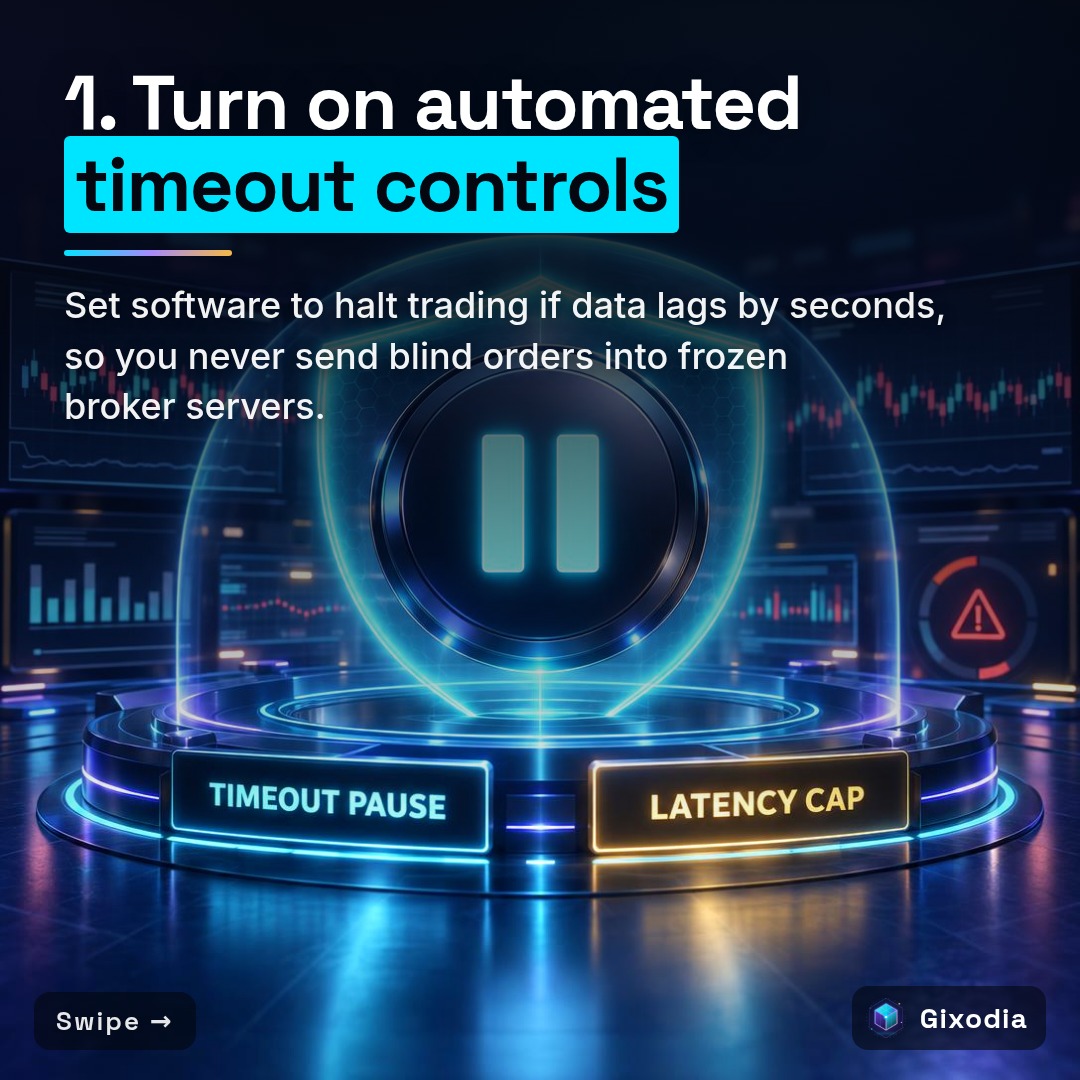
Heartbeat pings detect connection freezes by measuring the round-trip response time between your terminal and the broker server, immediately triggering an execution pause if replies stop.
A heartbeat is a tiny data ping sent back and forth between your trading terminal and the server every few hundred milliseconds. If the server does not reply within a strict cutoff window, healthy automated systems instantly enter a protective paused state.
Without this timeout rule, a bot might assume an unfilled entry order was simply ignored and try to send another one. When the platform unfreezes, the server processes all those queued messages at once, opening multiple unwanted positions. Traders studying what is algorithmic trading learn quickly that network verification logic is just as vital as signal logic.
- Measures platform latency continuously to detect frozen price feeds early.
- Prevents duplicated order submissions caused by unacknowledged messages.
- Keeps trading logic paused until healthy price ticks resume on the chart.
| Feature | Local Script Stops (Client-Side) | Native Server-Side Orders |
|---|---|---|
| Location of Order | Stored inside local computer memory or charting script | Stored directly on the broker or exchange order book |
| Behavior During Feed Freeze | Fails to trigger because price ticks never reach the computer | Executes automatically once the venue matches the resting price |
| Terminal Crash Impact | Open trades run unmanaged with zero loss protection | Stop loss remains active and executes normally |
| Slippage Exposure | High risk of firing delayed market orders into wide spreads | Predefined order fills at the next available exchange quote |
How do slippage caps protect accounts when trading resumes?
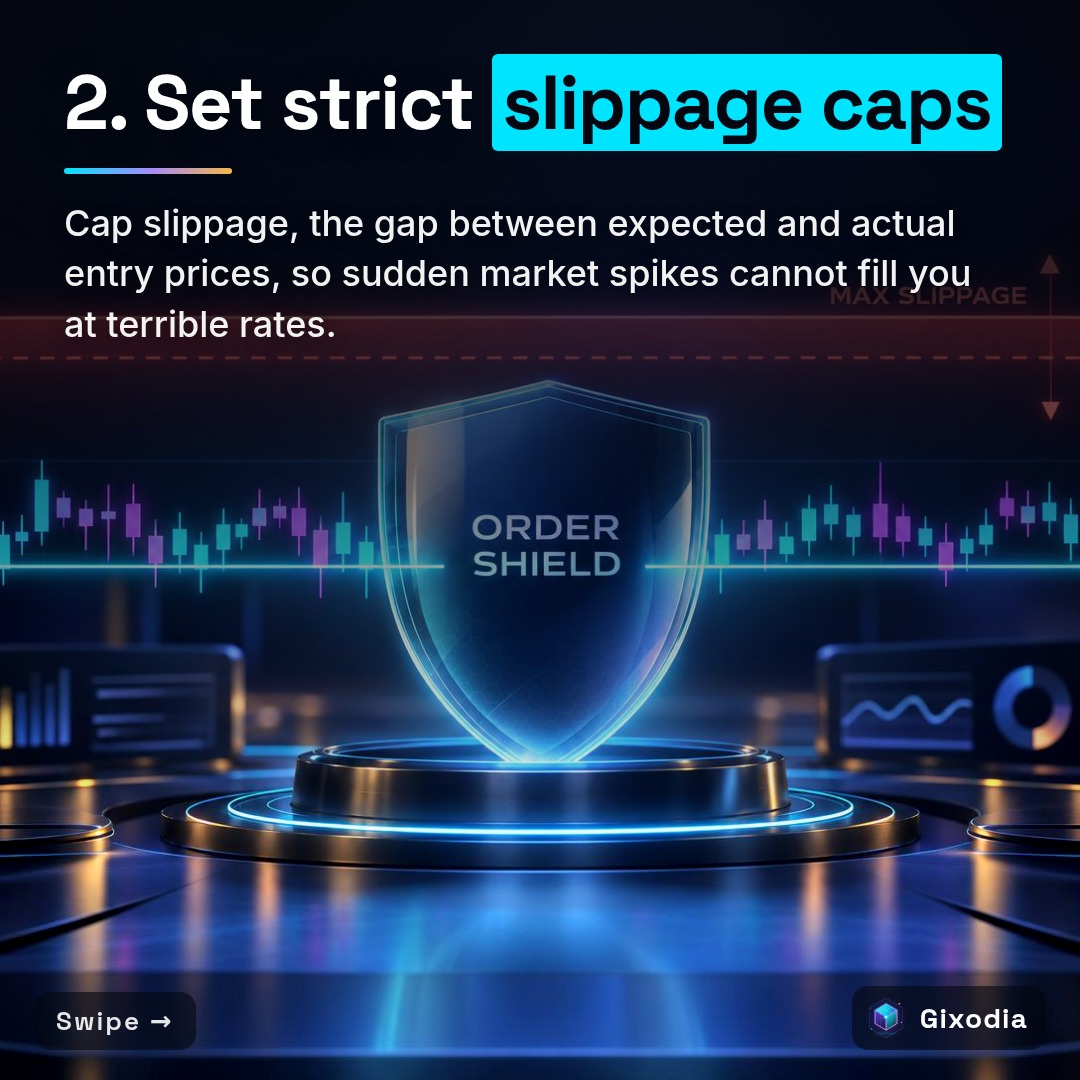
Slippage caps protect your trading account by automatically rejecting or canceling an order if the actual fill price deviates beyond a strict, predefined distance from your requested price.
When trading resumes following a venue halt, the market often restarts with an aggressive price jump. Spreads widen rapidly because liquidity providers quote defensively until normal market activity returns. A trader relying on market orders without slippage limits can get filled far away from the intended price.
Setting a strict maximum slippage parameter inside your execution settings forces the platform to reject fills that exceed your safety limit. This boundary shields your balance on major currency pairs like EUR/USD or gold. Traders who master understanding spread commission slippage know that pre-trade caps are the primary defense against unexpected price spikes.
How should automated software handle post-outage restarts?
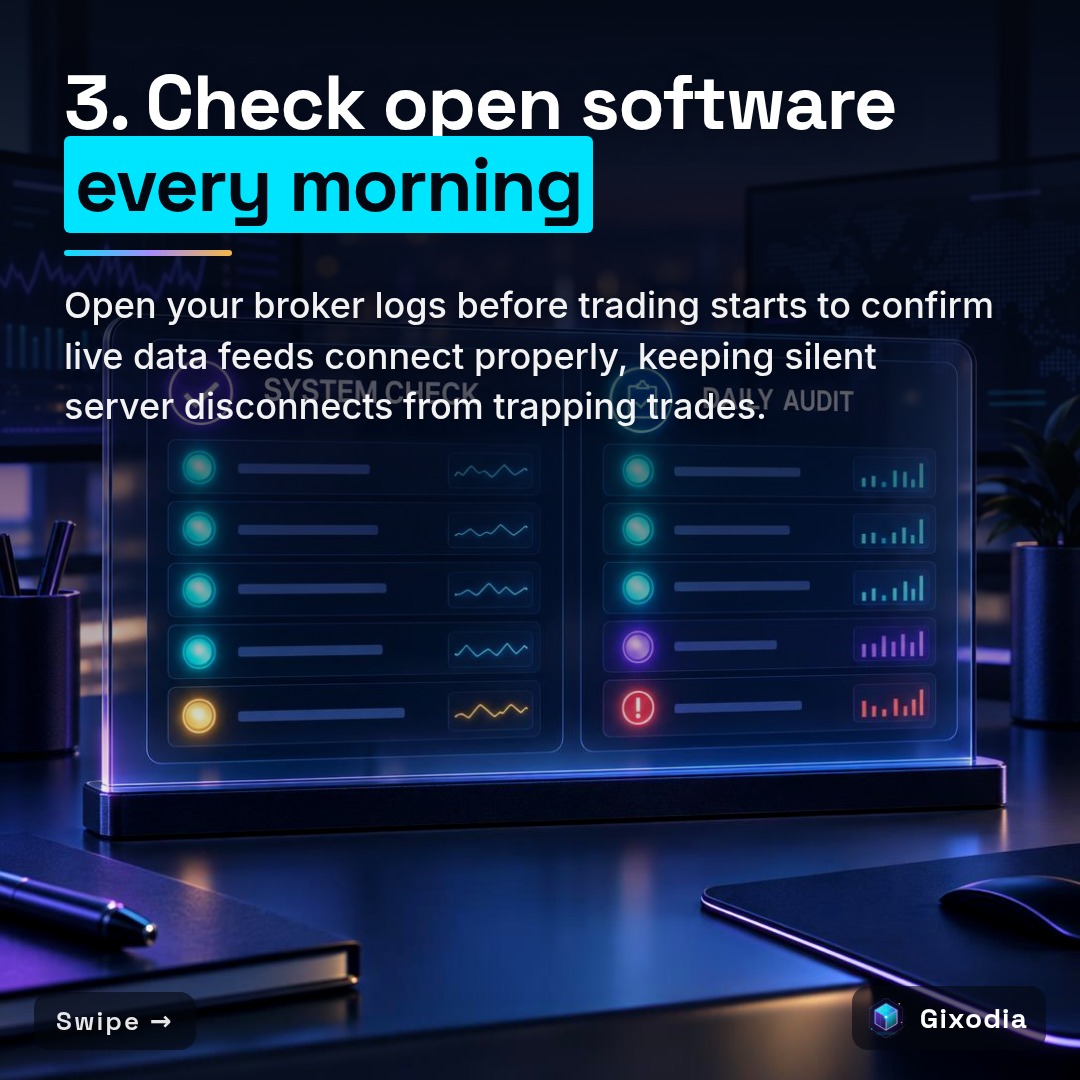
Automated software must perform a manual or programmatic state reconciliation against the broker official ledger before sending any new trade instructions after an outage.
The internal trade memory of your software might show that a trade is still running, while the broker engine closed it out during the halt. If the software immediately begins trading upon reconnection without checking the true broker ledger, it will make decisions based on false account data.
Professional operations conduct a state audit by checking actual open positions, balance numbers, and pending order statuses. Gixodia's trading software runs on your own broker account and trades by predefined rules, the same way every time, helping traders maintain strict execution limits after abnormal market disruptions.
- Cross-check terminal position lists directly against the broker balance statement.
- Clear out pending limit orders that were orphaned during the connectivity freeze.
- Wait for normal price spreads to return before enabling automated entries.
How to do it, step by step
- Verify Native Server-Side Order Placement. Check your MetaTrader 5 trade window to ensure every open position has a visible stop loss number directly recorded on the broker server, rather than relying on a script that promises to close the trade virtually.
- Configure Execution Timeout Thresholds. Set your execution watchdog to halt trade placement if server response latency exceeds your defined tolerance threshold, preventing blind orders during data lag.
- Set Strict Maximum Slippage Bounds. Define a maximum deviation setting inside your order parameters so that pending orders automatically cancel if market spreads jump past your boundary during abnormal openings.
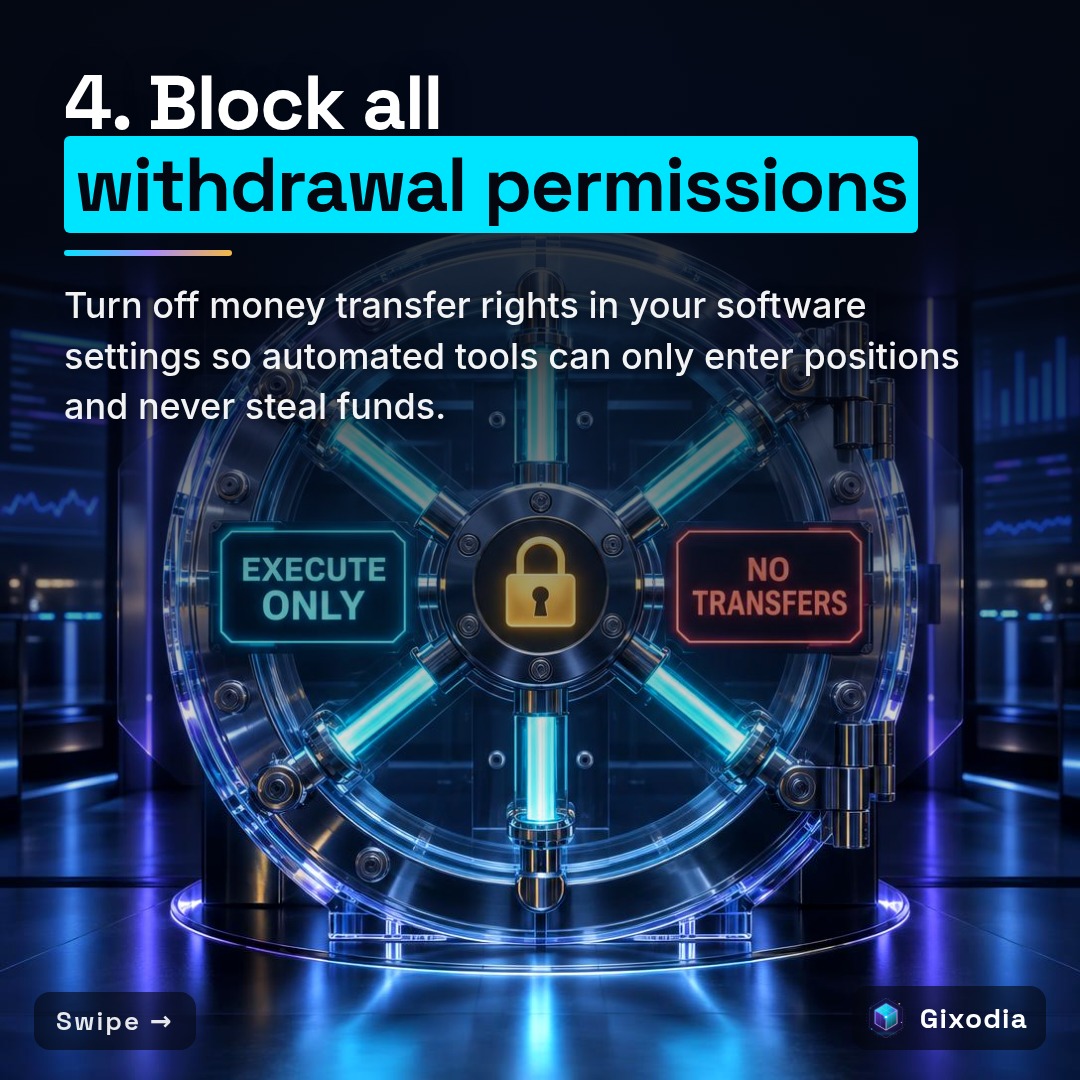
- Disable Withdrawal and Transfer Permissions. Keep automated tools isolated strictly to trade execution inside your personal account settings, confirming the program holds zero rights to move or transfer funds outside.
- Establish Direct Broker Emergency Access. Save the direct telephone dealing desk number and account verification pins for your broker in an offline notebook so you can call to close positions manually if platform software freezes.
Checklist before you take the trade
- Confirm all stop loss orders sit on the broker server ledger rather than local script memory.
- Check server ping latency inside MetaTrader 5 to verify stable connection health.
- Set maximum slippage deviation limits to reject executions during wild spreads.
- Verify your automated software has execution permissions only, with zero withdrawal access.
- Ensure software logic pauses new trades whenever live quote feeds stop updating.
- Review broker dealing desk phone procedures for manual order cancellation during total platform blackouts.
Common mistakes and how to fix them
✗ The mistake: Using local virtual stops that live entirely in your computer terminal memory.
✓ The fix: Switch to native server-side stop orders that reside on your broker server books even if your platform disconnects.
✗ The mistake: Allowing trading bots to fire orders automatically without checking connection ping latency.
✓ The fix: Build or enable timeout controls that block order routing whenever server round-trip latency exceeds safe limits.
✗ The mistake: Restarting automated trading instantly after a platform reconnects without checking open trades.
✓ The fix: Audit open positions on your broker statement first to reconcile real positions before turning automation back on.
Frequently asked questions
Will my stop loss execute if my computer turns off during an outage?
Yes, provided it is a native server-side stop loss. Because the instruction rests directly on the broker server, the broker will trigger the closing order once the price level is hit, regardless of whether your personal computer is online.
What is the difference between a client-side stop and a server-side stop?
A client-side stop lives inside your local trading terminal and requires an active internet connection to send a close order when price touches a level. A server-side stop rests directly on your broker system and triggers even if your terminal disconnects.
Why does automated software duplicate orders when a platform freezes?
When an order request does not receive a fast confirmation from a frozen broker server, poorly programmed software assumes the message failed to arrive and resends the command. Once the server unfreezes, it processes every queued order in line.
Can a trading bot withdraw money during an outage?
No. In MetaTrader 5, automated trading software holds trade execution permissions only. The software has no technical ability to access account balances, initiate external transfers, or withdraw funds.
Want your trading to follow fixed rules, the same way every time? Gixodia's trading software for MetaTrader 5 trades by predefined rules on your own broker account, in your own name. Try it free for 72 hours, a demo account is fine, then $499/year. Trading involves risk and you can lose money.
Sources
- Safeguarding Your Success with Advanced Algorithmic Trading Risk Management (finestel.com)
- Algorithmic Trading (finra.org)
- Regulatory Notice 15-09 | FINRA.org (finra.org)