 GIX
Why Spreads Widen During Data Releases and How to Manage Execution
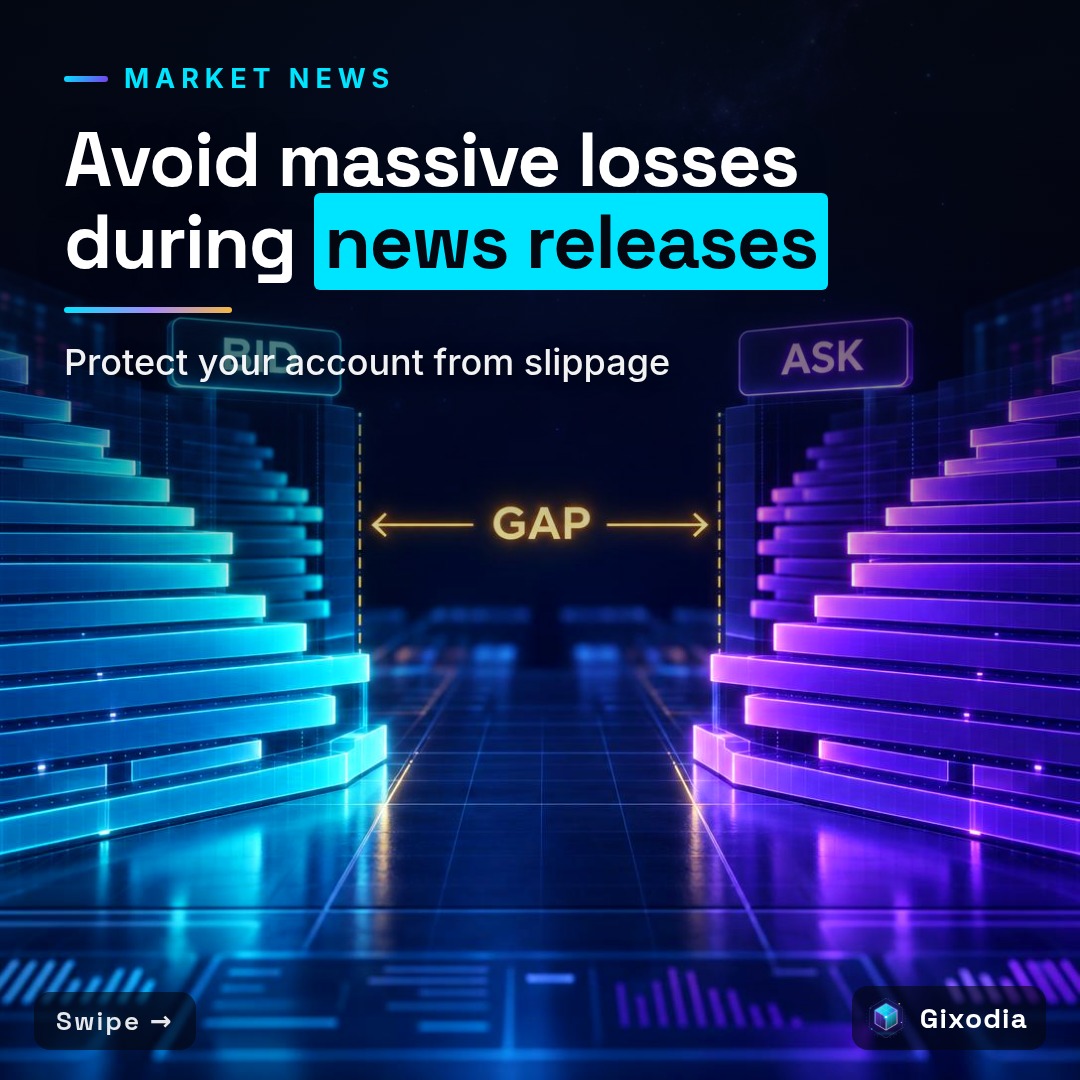
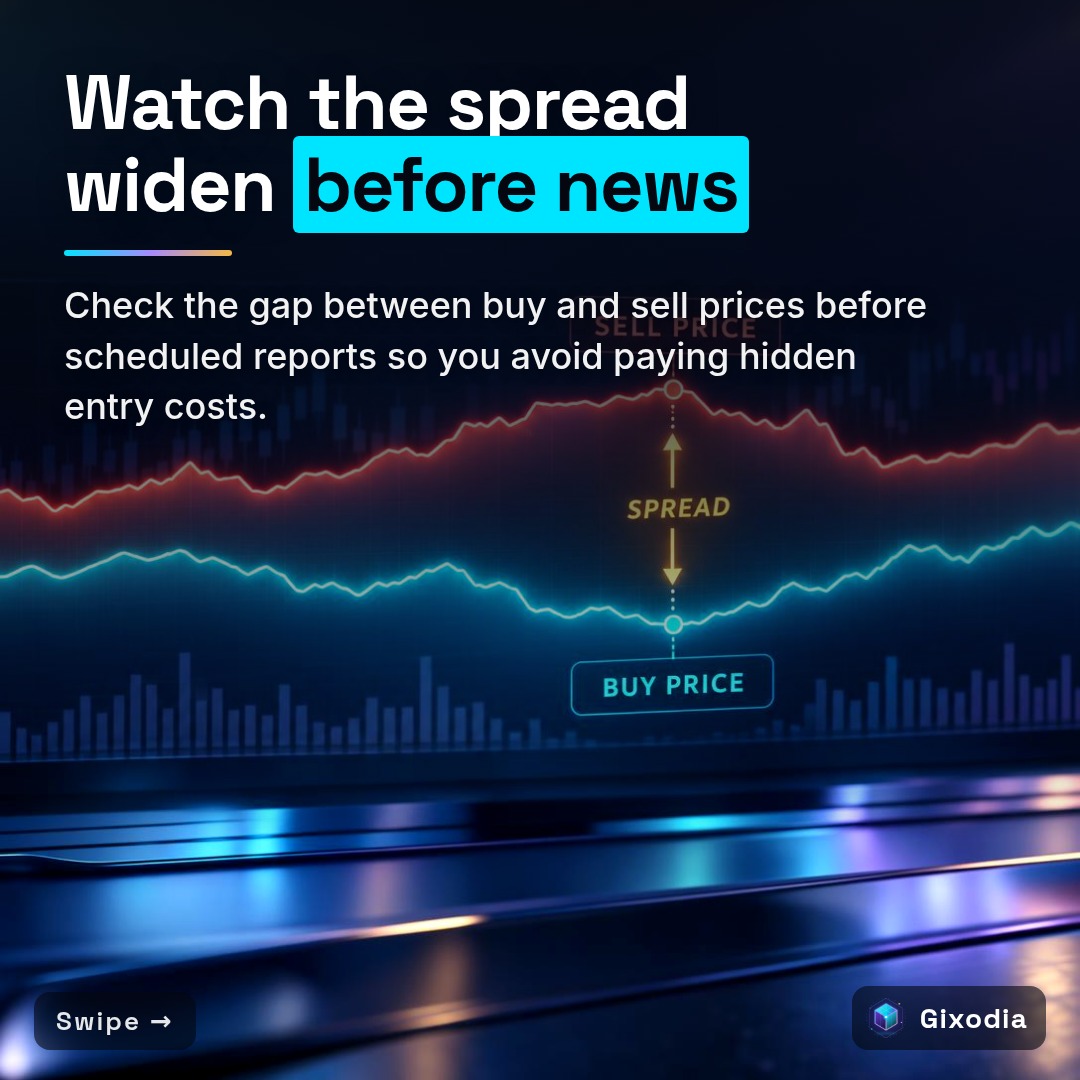
- The spread is the gap between the price to buy and the price to sell.
- A wider spread can raise the cost of entering a trade and affect stop triggers.
- A spread filter blocks only the actions its trading system is designed to block.
- Turning off MetaTrader 5 Algo Trading blocks Expert Advisors from sending trade requests, including requests to close or modify positions.
- A stop loss triggers a closing order, but the final fill can differ from its trigger price.
Why do spreads widen during data releases?
The spread, the gap between the price to buy and the price to sell, can widen around a data release because quotes may change quickly and quote providers may pull back their prices. When fewer competitive quotes are available, the gap between the buy and sell prices can grow.
A scheduled report can change how market participants value a currency or gold. Quote providers may update or withdraw prices as they respond to new information. That can make the spread grow quickly, sometimes before you can react to what you see on screen.
Imagine checking EUR/USD before a report. The buy and sell quotes are close together. The report comes out, prices move, and the gap widens. A market order sent at that moment may fill at the next available quote, rather than the quote you saw a moment earlier.
The spread is one part of execution cost. A wider spread can make it more expensive to enter a position, and fast price changes can also affect the price at which an order fills. For a plain explanation of these costs, read spread, commission, and slippage.
- The spread can change between the time you check it and the time an order reaches the market.
- A spread reading from before a release may not describe the conditions during it.
- A wider spread does not by itself tell you which way price will move.
How can a wider spread affect a stop loss?
A wider spread can affect when a stop loss is triggered and the price at which a position closes. A stop loss is an instruction that triggers a closing order when its condition is met. During fast price changes, the order may fill at a different price from the stop level you selected.
A platform checks order conditions using price quotes. If the spread changes sharply, the relevant quote may move even when the chart looks less dramatic. After the stop triggers, the closing order still needs an available quote. The final fill can therefore be worse than the stop level.
For example, if a stop on an EUR/USD position is triggered during a sudden spread increase, the closing order may reach a quote beyond the level that triggered it. The stop still did its job by starting the exit process, but it did not set the exact exit price.
A stop loss is a risk boundary, not a fixed exit price. The guide to stop loss slippage explains why a triggered stop can fill beyond its level. A spread filter may affect new orders, but it does not determine the fill price of a stop on an open trade.
- Check which quote your platform uses to display and trigger orders.
- Treat the stop level as a trigger, not as a promised fill price.
- Remember that closing a position during a spread spike can involve a worse fill.

What does a maximum spread filter actually block?
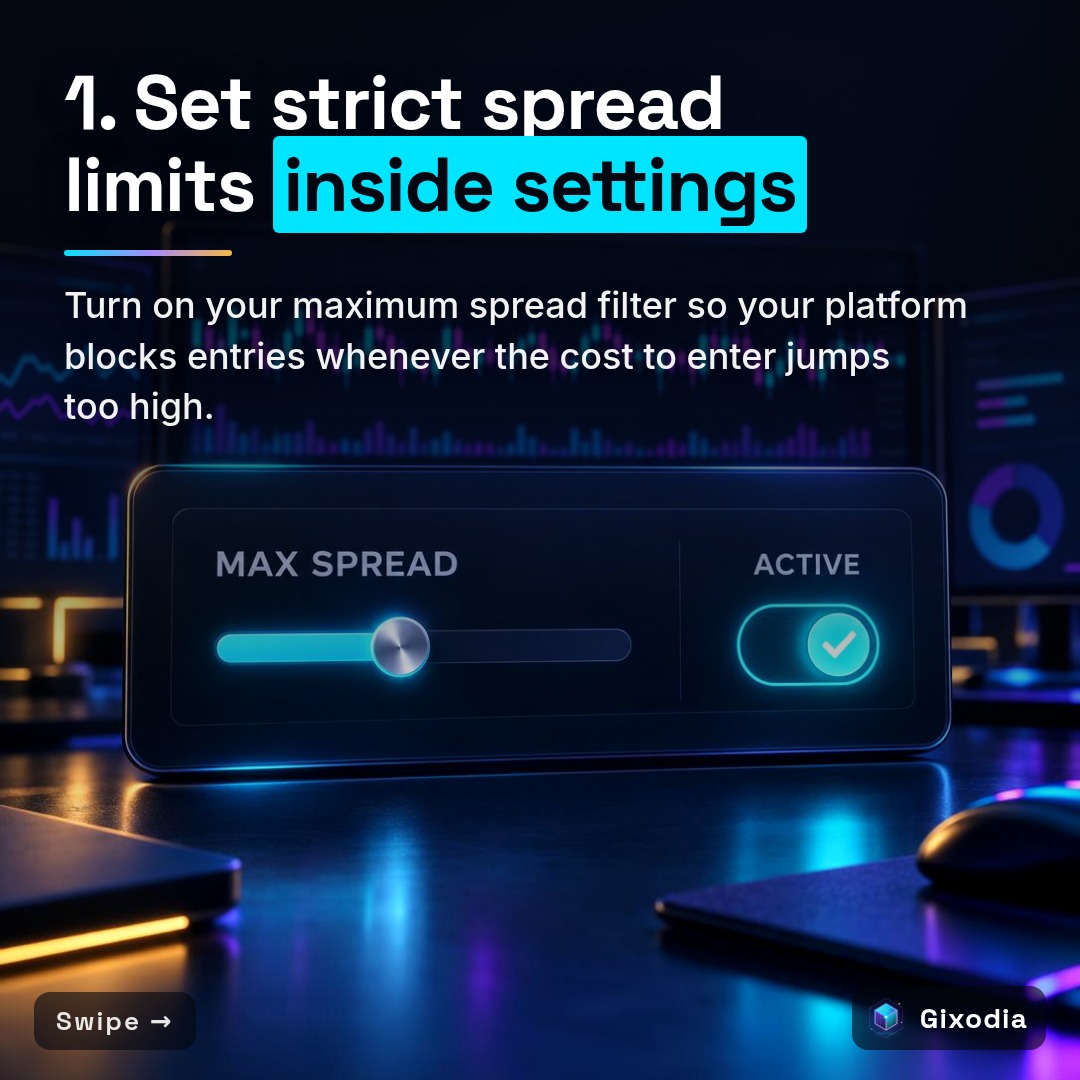
A maximum spread filter checks the gap between buy and sell quotes against a limit you set. What it blocks depends on how the trading system implements the rule: it may block new entries, or it may affect other trade requests too. Check the system settings and documentation rather than assuming its scope.
For example, an EUR/USD rule might allow a new entry only while the spread is below your chosen cutoff. If the spread rises above that cutoff, the system may block that entry. That example does not mean every filter works only on new entries. Some systems apply spread conditions to other actions, so find out whether the rule can affect closing or modifying a position.
The chosen limit also matters. If it is too loose, entries may still happen when costs are high. If it is too tight, the filter may block trades in conditions you intended to allow. Test the setting on a demo account and review the system's logs or order history to see what it actually did.
A filter is one part of execution control. It does not predict whether the release will move the market up or down, and it does not decide what should happen to every open position unless the system was built to do that.
- Find out which order actions the filter controls.
- Check how the system treats an order if the spread changes after the rule is checked.
- Review blocked orders as well as executed ones when testing.
| Control | What it can do |
|---|---|
| Spread filter | Block the trade actions specified by the system when the spread exceeds your chosen limit. |
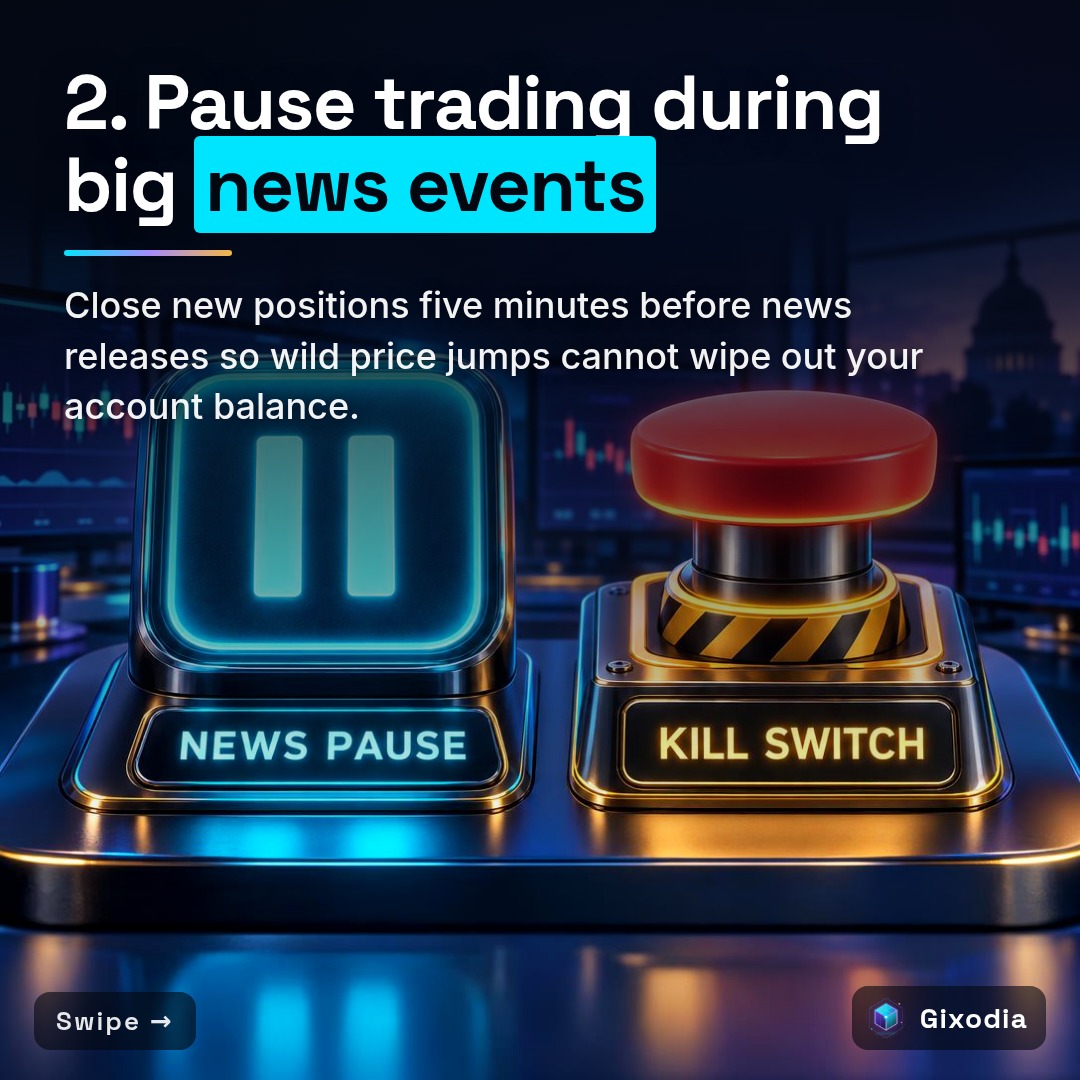
| Scheduled pause | Stop the actions specified by the system during a planned time window. |
| Stop loss | Trigger a closing order when its condition is met, without setting the final fill price. |
| MetaTrader 5 Algo Trading button | Block Expert Advisors from sending trade requests, including requests to open, close, or modify positions. |
What happens when you turn off Algo Trading in MetaTrader 5?
Turning off Algo Trading in MetaTrader 5 blocks Expert Advisors from sending trade requests. That includes requests to open, close, or modify positions. It does not itself close trades or remove pending orders, so know what is already on the account before using the control.
An Expert Advisor is software that runs inside MetaTrader 5 and can send trade requests by its programmed rules. When Algo Trading is disabled, an EA cannot send those requests. A request to close a position or change its settings is a trade request too, so do not expect an EA to carry out those actions while the control is off.
Orders already held by the trading server are a separate matter. A pending order or a stop loss already placed with your broker may remain active according to its terms. Check the order list and your broker's platform details to confirm what remains in place. You can still make manual decisions in the platform, subject to its normal order controls.
If you use a separate pause inside an EA, do not assume it behaves like the MetaTrader 5 Algo Trading button. Its scope depends on how that system was programmed. The article on macro volatility and manual controls covers why you need to understand each control before relying on it.
- Know whether a pause comes from the EA or from the platform.
- Check open positions and pending orders separately.
- Confirm what actions are possible before disabling automated trading.
How should you test news rules before using them live?
Test spread limits and pause settings on a demo account, then review what happened around scheduled releases. Check which orders were blocked, what happened to open positions and pending orders, and whether the system behaved as its settings describe.
Use a simple test record. Note the release time, the spread readings you can observe, the state of automated trading, and the orders that were opened, blocked, or left in place. One event cannot show how a rule will behave in every market condition, so compare observations across different releases.
Also check your platform connection and confirm that you can use the control you intend to rely on. Gixodia builds algorithmic trading software for MetaTrader 5. Its trading software follows predefined rules and does not predict where price will go. For a general explanation of software that trades by rules, see what algorithmic trading means.
- Test how the filter responds when spreads rise above its limit.
- Check whether a pause affects open positions or pending orders.
- Keep records of spread conditions and order outcomes so you can compare them.
What should you review after a data release?
After a data release, review the current spread, the status of automated trading, and every open position or pending order before returning to your normal routine. Do not assume conditions have settled just because the scheduled report has been published.
A report can move prices after its release, and quotes may take time to become less erratic. Check the live spread in your platform and compare it with the limit in your rules. Then check that the platform and EA are in the state you expect.
If you trade both EUR/USD and gold, review each market on its own terms. A spread limit or pause tested on one market may not suit the other. Keep the settings tied to the behavior you observed rather than copying them without testing.
- Review whether the pause or filter is still active.
- Check any orders that remain on the account.
- Record unexpected behavior and investigate it before relying on the rule again.
How to do it, step by step
- Choose the event. Use an economic calendar to identify the scheduled report relevant to the market you trade.
- Inspect the rule scope. Read the EA or platform settings to learn whether the spread filter or pause affects entries only, or also other trade requests.
- Set and test the limit. Choose a maximum spread for the actions the filter controls, then test the setting on a demo account.
- Check account orders. Before a planned pause, review open positions and pending orders. Know what will stay active and what automated actions will be blocked.
- Review the result. After the release, compare the system's behavior with its settings and record any blocked orders or unexpected actions.
Checklist before you take the trade
- Do you know which event the rule is meant to cover?
- Have you confirmed which trade requests the spread filter affects?
- Do you understand what turning off Algo Trading blocks?
- Have you checked the status of positions and pending orders?
- Have you tested the settings on a demo account?
- Can you explain what must happen before normal execution resumes?
Common mistakes and how to fix them
✗ The mistake: Assuming a spread filter always blocks only new entries.
✓ The fix: Check the system documentation and test whether the rule affects closing or modifying positions as well as opening trades.
✗ The mistake: Turning off Algo Trading and expecting the EA to close or adjust a position.
✓ The fix: Remember that disabling the control blocks EA trade requests, including close and modify requests. Understand what server side orders remain active and handle open risk separately.
✗ The mistake: Treating a stop loss as an exact exit price during fast conditions.
✓ The fix: Plan for the possibility that a triggered closing order fills at a different available quote.
✗ The mistake: Resuming normal trading as soon as the report appears.
✓ The fix: Check the live spread, platform state, and remaining orders before allowing the system to continue.
Frequently asked questions
Why does the spread get wider before the news comes out?
Quote providers may pull back or change their prices as the release approaches and uncertainty rises. The buy and sell quotes can move farther apart before the report is published.
Does a spread filter protect an open trade?
That depends on how the trading system implements the filter. Some filters apply only to new entries, while others may affect additional trade requests. Check the rule's scope and test it.
Does turning off Algo Trading close my open positions?
No. It blocks Expert Advisors from sending trade requests, including requests to close or modify positions. It does not itself close positions or remove pending orders.
Can a stop loss fill at a different price from its level?
Yes. A stop loss triggers a closing order when its condition is met, but fast price changes and available quotes can affect the final fill.
Should I pause automated trading for every data release?
That depends on your trading rules and how the system handles a pause. Test its behavior, including what happens to open positions and pending orders, before using the setting live.
Want your trading to follow fixed rules, the same way every time? Gixodia's trading software for MetaTrader 5 trades by predefined rules on your own broker account, in your own name. Try it free for 72 hours, a demo account is fine, then $499/year. Trading involves risk and you can lose money.