 GIX
Why Fast News Triggers Severe Slippage and How to Protect Your Execution

- Slippage is the difference between the price you clicked and the actual fill price your broker gives you.
- Market makers pull their resting orders seconds before major news releases to avoid holding risky positions.
- A standard market order prioritizes speed over price, forcing your trade into thin liquidity at worse levels.
- Setting a strict deviation parameter inside MetaTrader 5 tells the platform to reject fills that drift too far.
- Using predefined execution boundaries removes the temptation to enter volatile spikes during emotional market news.
What is slippage and why does news make it worse?
Slippage is the price difference between your requested order price and the actual price where the trade executes. During major macroeconomic news releases, institutional market makers pull their quotes off the board, creating sudden gaps where normal liquidity disappears and driving spreads much wider.
When you trade during quiet hours, hundreds of buy and sell orders sit waiting in the order book. Clicking buy matches your order against an existing seller sitting a fraction of a pip away. You see a quote, press the button, and the price matches what you expected.
High-impact events like interest rate decisions or employment figures shatter that calm. The major institutions providing quotes step back at the exact same moment because they do not want to take the other side of an unpredictable shock. When you enter a position on EUR/USD as numbers hit the wire, your order must travel up or down until it finds someone willing to take the trade. Understanding spread, commission, and slippage helps you see why your balance drops before the chart even prints its next bar.
- Normal conditions: tight spreads and dense resting orders provide instant, accurate fills.
- News release window: resting orders disappear, causing wide price jumps between executed trades.
How does an empty order book create price gaps?
An empty order book creates price gaps because the price must jump over unquoted price levels to find the nearest resting counterparty. Instead of stepping tick by tick, price teleports directly to the next quote, resulting in extreme execution slippage on standard market orders.
The market does not move in a smooth line. It moves by matching buyers with sellers at agreed levels. When sudden headlines land, the depth of book empties out instantly. If a surprise inflation report pushes the market upward, every resting sell order right above the current quote gets pulled or swept in milliseconds.
If your buy order arrives a fraction of a second later, there are no sellers left at the price you saw. The exchange or broker fills you at the first available resting offer, which might sit thirty or forty points higher. In fast markets, protecting your trading setup when market liquidity disappears requires understanding that standard market orders will take whatever price is left, regardless of how bad it is.
- Liquidity retreat: banks and market makers withdraw limit orders to avoid adverse price shifts.
- Discrete jumps: the market prints quotes in sudden leaps rather than steady increments.



Why do standard stop orders fail to prevent news slippage?
A standard stop loss fails to prevent news slippage because it turns into a regular market order the moment the trigger price is touched. Once triggered, the order demands an immediate fill at prevailing market rates, absorbing whatever wide spread or price gap currently exists.
Many traders believe a stop loss acts as an unbreakable barrier that halts losses at an exact price line. In reality, a stop loss is merely an instruction saying that once a price is reached, send an emergency market order to close the trade. If the price jumps straight over your trigger level during a gold shock, your broker fills the order at the next quote on the board.
This dynamic explains why slippage and gaps turn a stop loss into a trigger rather than a fixed price. When trading volatile pairs like XAU/USD, a sudden news headline can cause gold to leap several dollars between ticks. A trader with a stop order resting directly inside that void receives a fill at the far side of the gap, resulting in a much larger loss than planned.
| Feature | Standard Market Order | Protected Order (Deviation / Stop-Limit) |
|---|---|---|
| Execution Priority | Fills immediately at any available quote | Fills only within your pre-approved price boundary |
| Slippage Vulnerability | High; absorbs full price jumps across an empty book | Capped; rejects or stops orders exceeding set points |
| Fill Certainty | Always executes, price uncontrolled | Price controlled, order may remain unfilled |
| Behavior in Volatile Spreads | Executes across wide bid-ask gaps without warning | Blocks trade execution until the spread normalizes |
What platform controls block bad fills automatically?
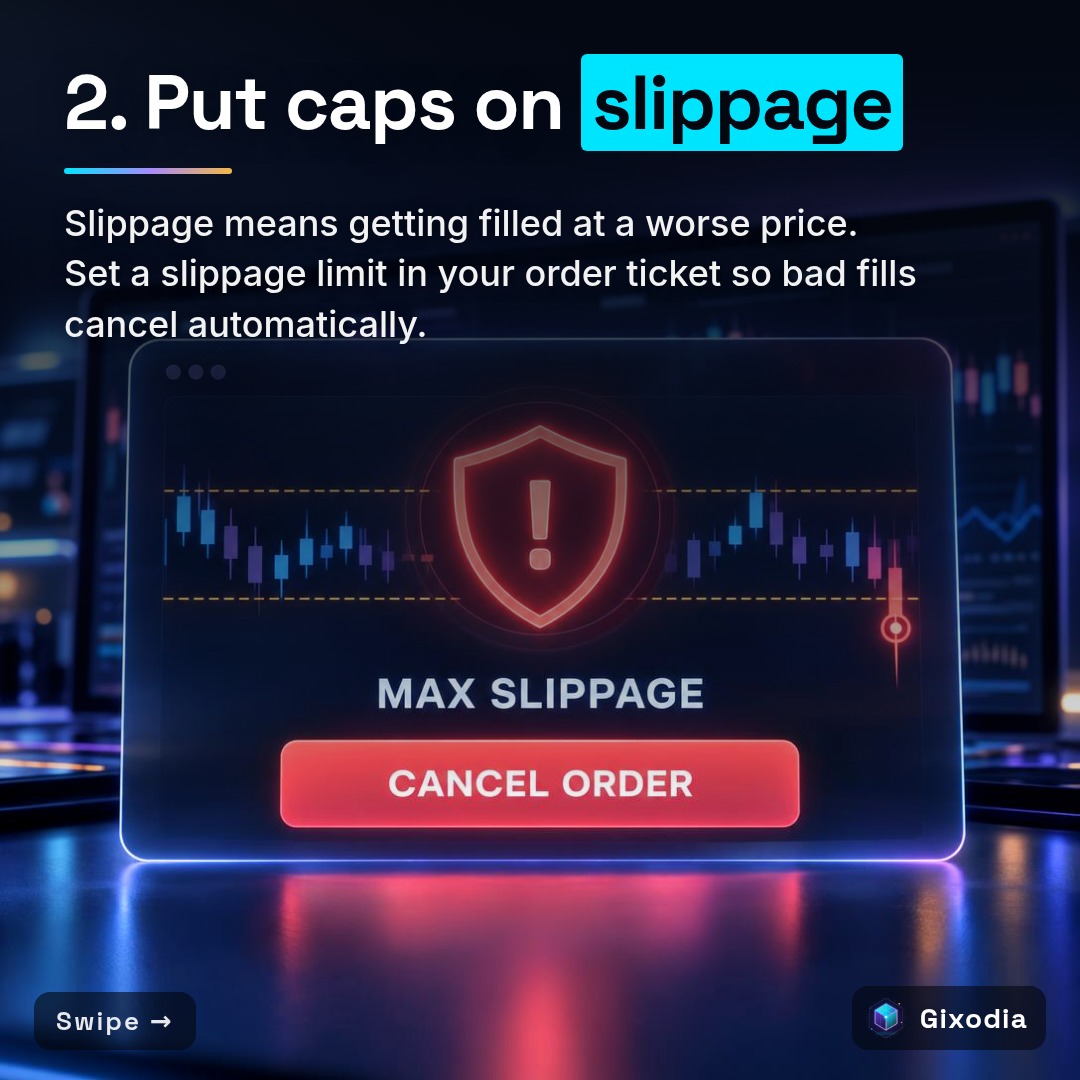
Platform controls like maximum deviation settings, dynamic spread filters, and stop-limit orders block bad fills by setting strict price limits. If the execution price drifts beyond your pre-set point threshold, the platform rejects the trade rather than accepting a terrible fill.
MetaTrader 5 provides built-in risk controls that prevent aggressive slippage. In the order execution window, the deviation field lets you specify the exact number of points you will tolerate between your click and the server fill. If market conditions push the price beyond that limit, your order is canceled instantly instead of taking unnecessary damage.
Another essential tool is the spread filter. Because the buy and sell gap explodes during macro surprises, learning why spreads widen during data releases lets you set hard boundaries. A spread filter instructs your software or platform to freeze execution whenever the difference between the bid and ask exceeds a normal baseline.
- Deviation parameter: sets a maximum point tolerance for fills on MetaTrader 5.
- Spread filter: blocks entries when the gap between bid and ask climbs above normal levels.
- Emergency kill switch: provides a manual one-click tool to pause automated trading during surprises.
How do automated rules handle news volatility safely?
Automated rules handle news volatility safely by enforcing objective filters that monitor spreads and liquidity in real time. Rather than guessing market direction, systematic software pauses execution or scales down position size the moment volatility metrics breach pre-set boundaries.
Human traders often struggle with fear and excitement when sudden red or green candles shoot across the screen. They click buy at the top of a giant candle, only to suffer massive negative slippage and an instant reversal. Algorithmic software avoids this trap by checking execution parameters in milliseconds before every single order.
For example, Gixodia's trading software runs on your own MetaTrader 5 account and trades by predefined rules, the same way every time. It does not try to predict the market. When live conditions approach boundaries you set, it scales down risk and pauses at that limit, avoiding chaotic fills. You can learn more about this approach by reading our complete guide on how to build a risk management plan for automated trading.
How to do it, step by step
- Audit the economic calendar daily. Check scheduled economic announcements every morning before opening charts. Note the exact release times for major reports like interest rate statements and employment updates for the US dollar and the euro.
- Configure MT5 deviation settings. Open MetaTrader 5, press F9 to open the Order Window, and locate the Deviation field at the bottom. Enter a strict tolerance limit in points, such as 20 to 30 points, to reject fills that drift too far from the quote.
- Enable automated spread filters. If running an Expert Advisor, set a maximum spread limit inside the inputs menu. The software will measure the current bid-ask spread and block any trade if the spread expands beyond your threshold.
- Switch from stop-market to stop-limit orders. Use stop-limit orders for pending breakout trades instead of plain stop orders. Set a stop trigger price alongside an acceptable limit boundary so your trade cancels if price gaps past your limit.
- Keep an emergency pause switch ready. Ensure your platform has a visible one-click pause button armed. If unexpected breaking news hits the market outside scheduled times, click the pause switch immediately to halt new orders while spreads widen.
- Audit transaction costs after the event. Review your broker order history after news volatility calms down. Compare your requested price against your actual execution price to identify whether your broker routes orders with excessive slippage.
Checklist before you take the trade
- Economic calendar reviewed for high-impact releases across EUR/USD and XAU/USD
- Maximum deviation threshold entered into the MetaTrader 5 order dialog
- Spread filters active to reject execution during sudden quote expansion
- Pending entries set as stop-limit or market-with-protection rather than plain stop orders
- Account starting balance funded to at least $1,000 of risk capital
- Emergency pause switch confirmed working and accessible on your screen
- Execution quality audited on demo before running live news parameters
Common mistakes and how to fix them
✗ The mistake: Using market orders right as breaking economic headlines cross the screen.
✓ The fix: Wait for the initial release spike to settle, or use stop-limit orders with tight boundaries so you do not absorb an empty order book.
✗ The mistake: Leaving stop loss orders naked during high-impact releases without factoring in gap risk.
✓ The fix: Reduce position sizes ahead of scheduled data releases so that an execution gap does not exceed your account risk allowance.
✗ The mistake: Trading without spread filters during illiquid market rollovers or news spikes.
✓ The fix: Activate automated spread filters that halt order submission whenever the gap between bid and ask widens above normal levels.
Frequently asked questions
Can slippage be positive during news events?
Yes. Positive slippage occurs when your order fills at a better price than you requested. If you submit a limit buy order and the market flashes downward through your price into deep resting liquidity, your broker may fill you at a lower price, giving you a better entry.
Why does the bid-ask spread widen before news is released?
Major liquidity providers withdraw their resting orders before scheduled data releases to avoid getting caught on the losing side of a volatile move. With fewer quotes available in the order book, the distance between the highest buyer and lowest seller jumps instantly.
Does MetaTrader 5 deviation work on all broker execution types?
Deviation works directly on Instant and Request execution accounts by instructing the server to reject fills outside your point tolerance. On Market execution accounts, the order fills at current rates, so you must use automated filters or client-side scripts to cancel or block trades when spreads jump.
How can I test news execution rules without risking capital?
Open a demo account on MetaTrader 5 and configure your deviation settings and spread filters ahead of a scheduled economic release. Watch how the platform processes fills during the data drop to verify that your rules reject wide spreads before trading with real capital.
Want your trading to follow fixed rules, the same way every time? Gixodia's trading software for MetaTrader 5 trades by predefined rules on your own broker account, in your own name. Try it free for 72 hours, a demo account is fine, then $499/year. Trading involves risk and you can lose money.